Progress Billing for Contractors: Schedule of Values, Holdbacks and Lien Rights
Progress billing means invoicing a job in stages as the work gets done, instead of one bill at the end. On any residential job longer than a few weeks it is how you keep cash coming in to cover materials, crew and subs. Done well, every progress payment ties back to a clear list of what was promised and what is finished, so the client knows exactly what they are paying for and nobody argues about the number.
This guide explains how progress billing works, how to build a schedule of values (with a worked example and a free template), what AIA billing is, how holdback is calculated, how lien rights and holdback work in Canada, and how Bolster automates progress payments.
What is progress billing?
Progress billing (also called progress invoicing) splits the contract price into payments that are released as the job moves forward. A progress payment is one of those instalments. There are two common ways to decide how much each payment should be:
- Milestone billing. You bill a set amount when a stage is finished: deposit at signing, then demolition complete, rough-ins passed inspection, cabinets installed, final walkthrough. This is the most common approach for remodelers, decks, fences and other residential jobs because it is simple for homeowners to follow.
- Percent-complete billing. You bill for the share of each line item finished during the period. This is how larger custom homes, multi-trade renovations and lender-funded projects are usually billed, and it needs a schedule of values.
Either way, agree on the billing method in the contract before work starts: what each payment covers, when it is due, how holdback is held and how change orders are added. For background on contract types, see cost plus vs fixed price contracts.
What is a schedule of values?
A schedule of values (SOV) is a list of every part of the job with the dollar value assigned to it. The values add up to the contract sum. Each billing period you report how far along each line is, and the payment is the value of the work completed, less holdback and anything already paid. The SOV is agreed at the start of the job and becomes the backbone of every pay application.
A good schedule of values for a residential job:
- Follows the order work happens on site (demolition, framing, rough-ins, drywall, finishes), so progress is easy to verify on a walkthrough.
- Breaks big scopes into lines small enough to measure. "Interior finishes $60,000" is impossible to agree on; cabinets, flooring, tile and paint as separate lines are not.
- Puts overhead, supervision and permits on their own line (often called general conditions) rather than hiding them in the trades.
- Matches your estimate, so you are not maintaining two different breakdowns of the same job. If you track costs by line item, the SOV lines can mirror your line-item job costing.
Schedule of values example
Here is a $120,000 kitchen and main floor renovation at its second pay application. Demolition and framing are finished, the rough-ins are half done and drywall has started. The owner holds back 10% holdback on each payment.
| Line item | Value | % done | Completed |
|---|
| General conditions and permits | $8,000 | 40% | $3,200 |
| Demolition and disposal | $6,500 | 100% | $6,500 |
| Framing and structural | $12,000 | 100% | $12,000 |
| Plumbing | $11,500 | 50% | $5,750 |
| Electrical | $10,500 | 50% | $5,250 |
| HVAC | $5,000 | 40% | $2,000 |
| Insulation and drywall | $9,000 | 25% | $2,250 |
| Cabinets and countertops | $28,000 | 0% | $0 |
| Flooring | $9,500 | 0% | $0 |
| Tile and backsplash | $6,000 | 0% | $0 |
| Painting | $5,000 | 0% | $0 |
| Trim, fixtures and finish carpentry | $7,000 | 0% | $0 |
| Final cleanup and punch list | $2,000 | 0% | $0 |
| Contract sum: $120,000 · total completed to date (30.8%) | $36,950 |
| Less 10% holdback | −$3,695 |
| Less previous payments (pay application #1) | −$18,000 |
| Amount due this period | $15,255 |
The math: $36,950 of work is complete to date. Hold back 10% holdback ($3,695), which leaves $33,255 earned. Subtract the $18,000 already paid on the first application and $15,255 is due this period. The $83,050 balance to finish is billed on later applications as each line moves toward 100%.
Free schedule of values template: download the Excel template. It has this example filled in, with the percent-complete, holdback, previous payments and amount-due formulas already built, so you can replace the lines with your own job.
What is AIA billing?
AIA billing is progress billing on the standard pay application forms published by the American Institute of Architects. Two documents do the work. The G702 (Application and Certificate for Payment) is the summary page: contract sum, approved change orders, total completed to date, holdback, previous payments and the current amount due, signed by the contractor and certified by the architect or owner. The G703 (Continuation Sheet) is the schedule of values itself, line by line, with the work completed this period, stored materials and the percentage complete.
AIA billing is standard on commercial work and on residential projects with an architect, a lender or a large general contractor involved. Most homeowners never ask for it. If yours does, the numbers come straight from your schedule of values, so a clean SOV is the hard part. The AIA forms themselves are licensed documents, so buy them from AIA Contract Documents if a contract requires them.
What is holdback in construction?
Holdback is the share of each progress payment the owner keeps back until the work is complete, so there is money available to settle liens and finish deficiencies. In Canada it is set by provincial lien legislation rather than just the contract: most provinces require a 10% holdback, including Ontario under the Construction Act, British Columbia under the Builders Lien Act and Alberta under the Prompt Payment and Construction Lien Act. Each province sets its own release timing, so check the rules where the job is.
The calculation is the same as in the example: 10% of the $36,950 completed is $3,695 held back. The holdback is released once the lien period after substantial completion has passed with no liens registered. As a contractor you also hold back from your own subcontractors, and their holdback is released on the same principle.
Lien rights and statutory declarations in Canada
You will see "lien waivers" mentioned in US guides. In Canada the same protection mostly comes from the holdback itself, plus a statutory declaration in which the contractor declares that all subs and suppliers have been paid before the holdback or final payment is released. Lien periods, holdback release and prompt payment rules differ by province, so treat this as general information, not legal advice, and check your provincial act or a construction lawyer for your contracts.
How to set up progress billing on your next job
- Build the schedule from the estimate. Use the same line items you priced, grouped into stages the client can see on site.
- Agree the payment terms in the contract. Deposit, milestone or percent-complete billing, payment due dates, holdback and how change orders are added to the contract sum.
- Bill on a fixed rhythm. Either at each milestone or on the same day each month, so the client can plan for it.
- Back each bill with evidence. Photos, inspection sign-offs and a short note on what was finished make approvals quick.
- Track holdback and statutory declarations with every payment, in and out, so the final payment is not held up by missing paperwork.
How Bolster handles progress payments
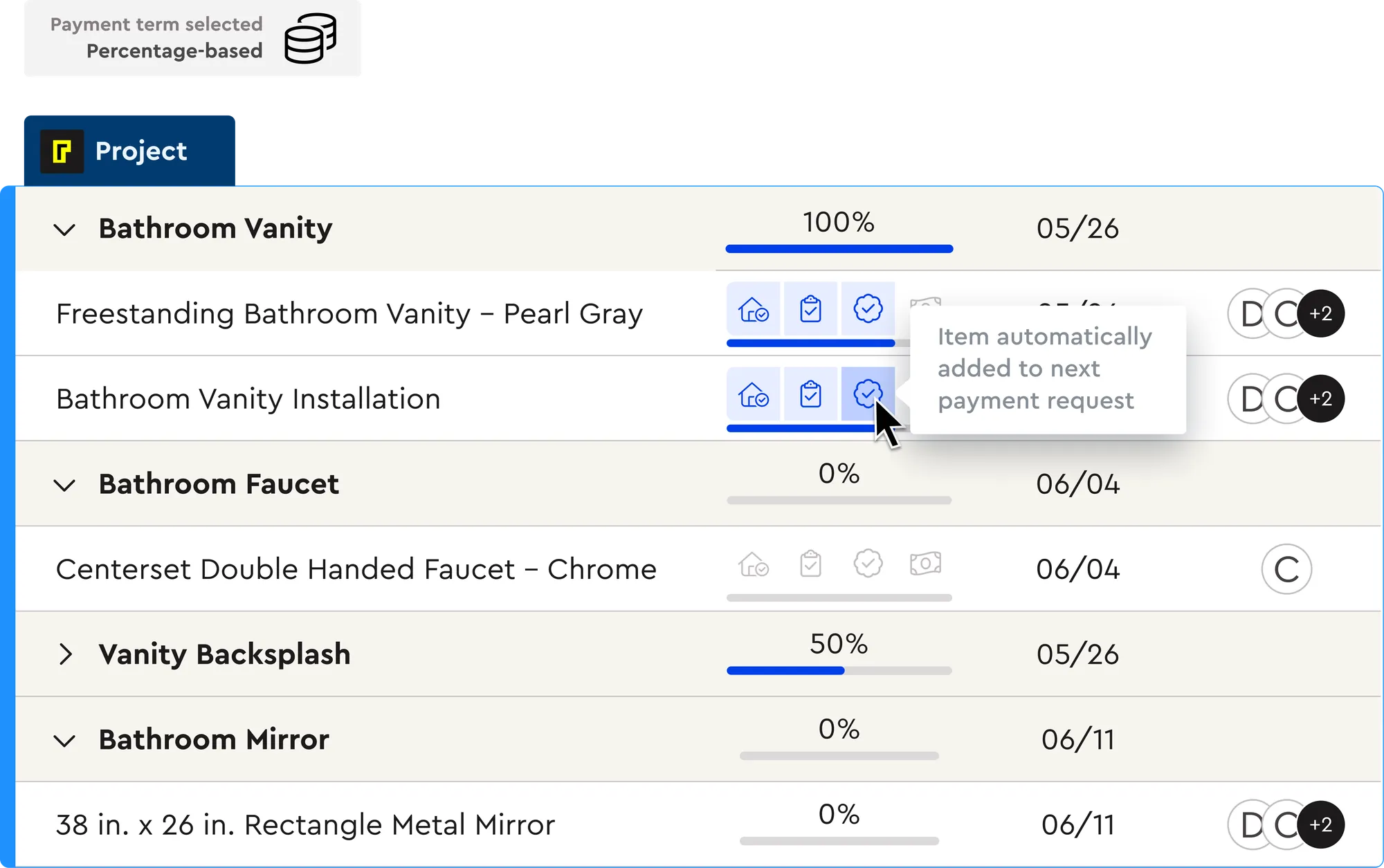
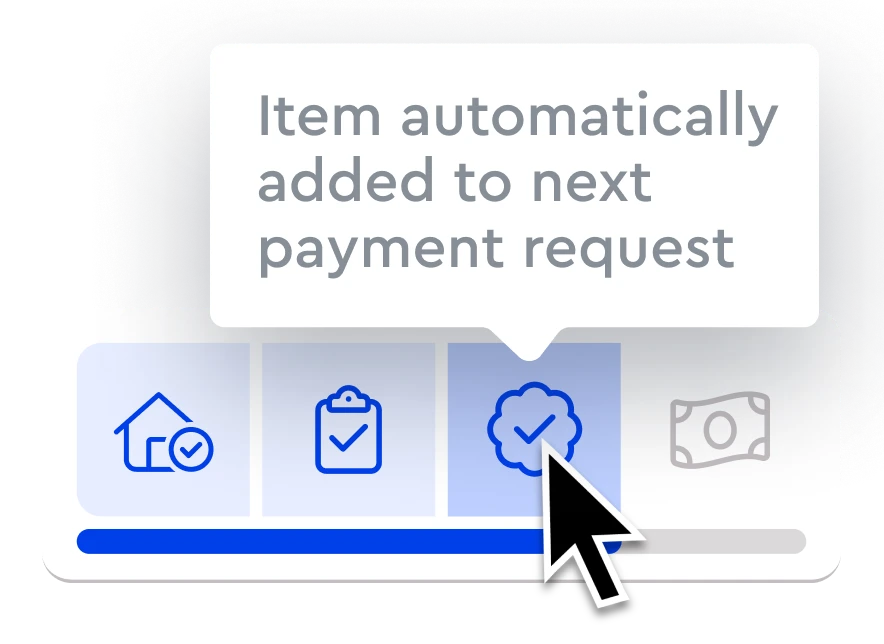
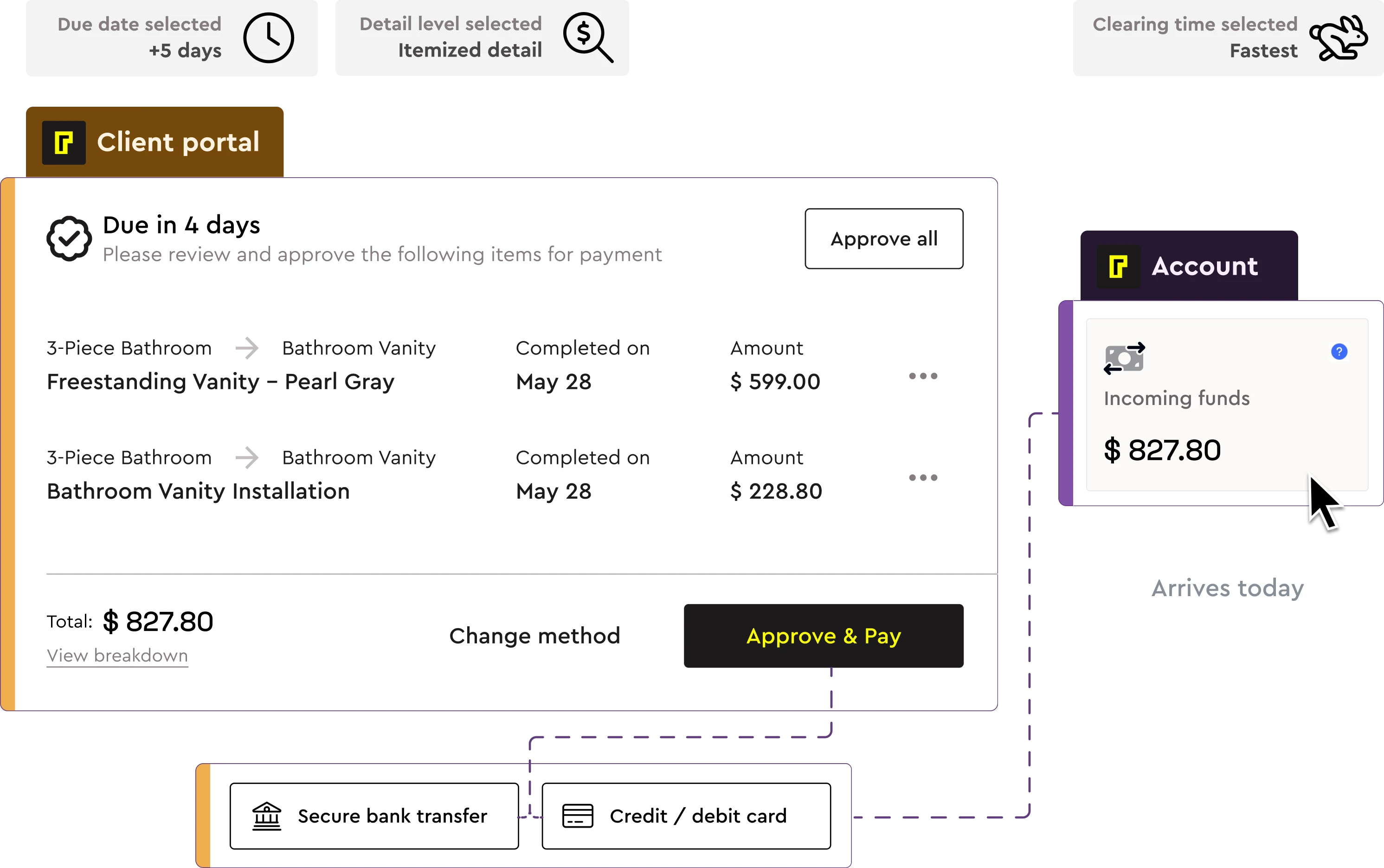
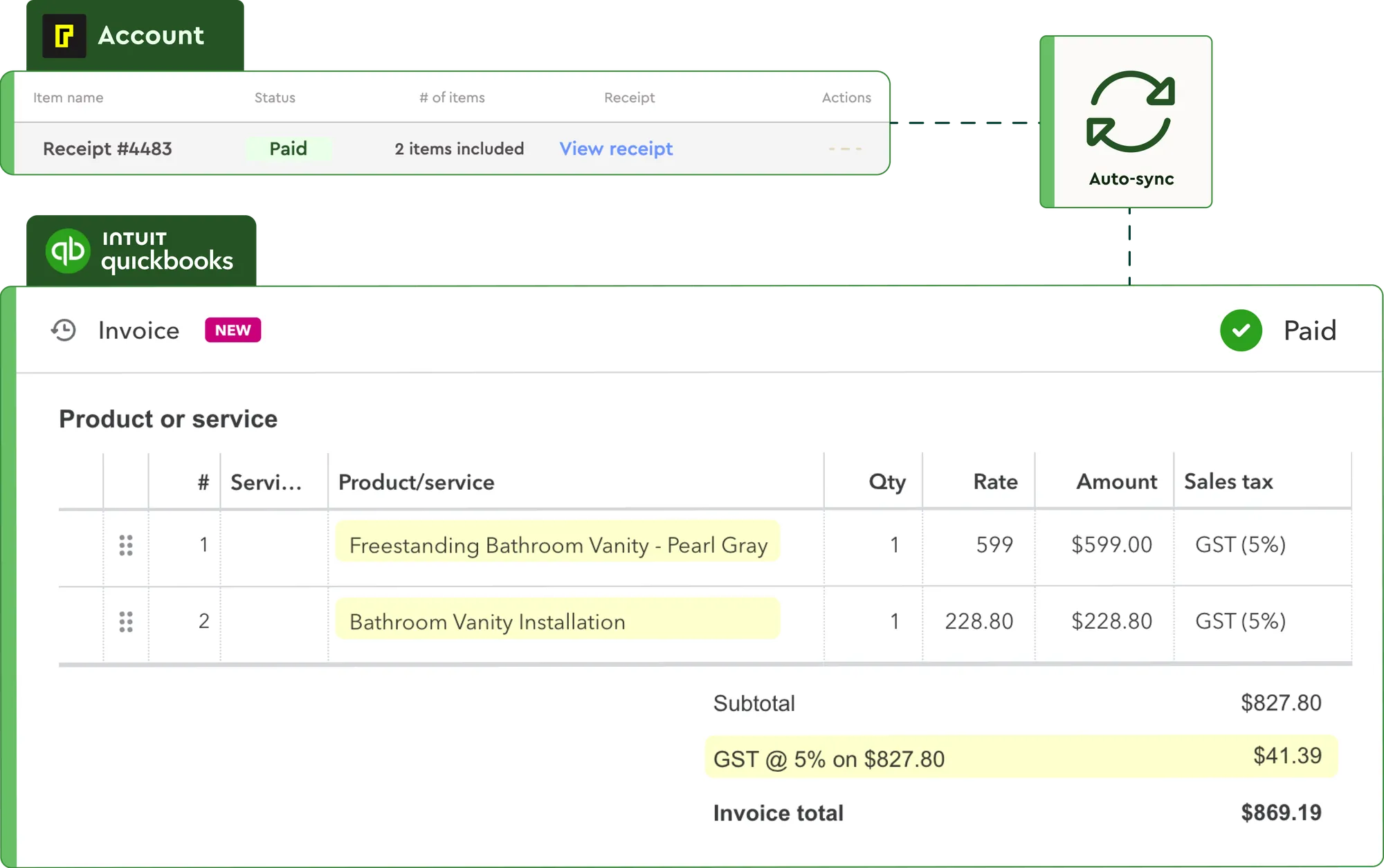
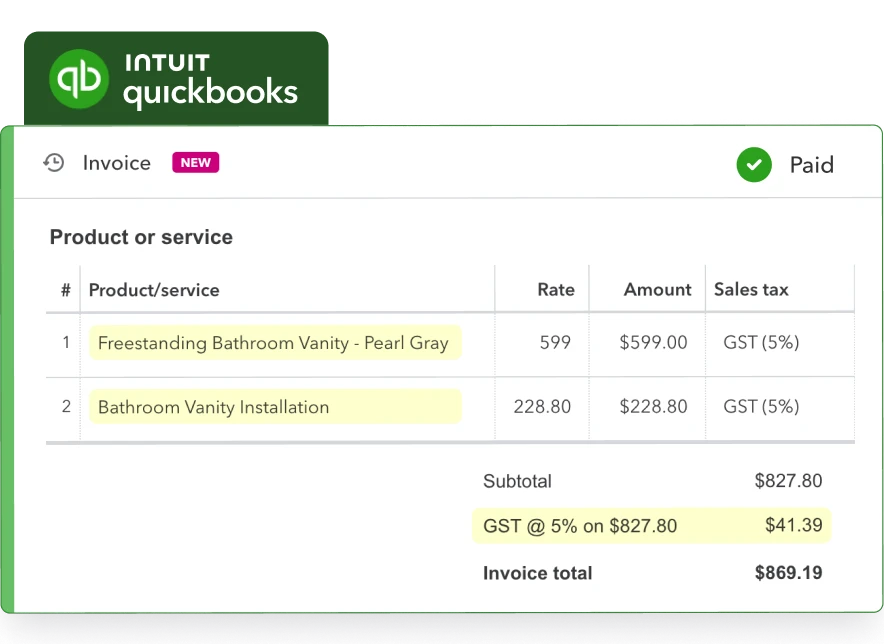
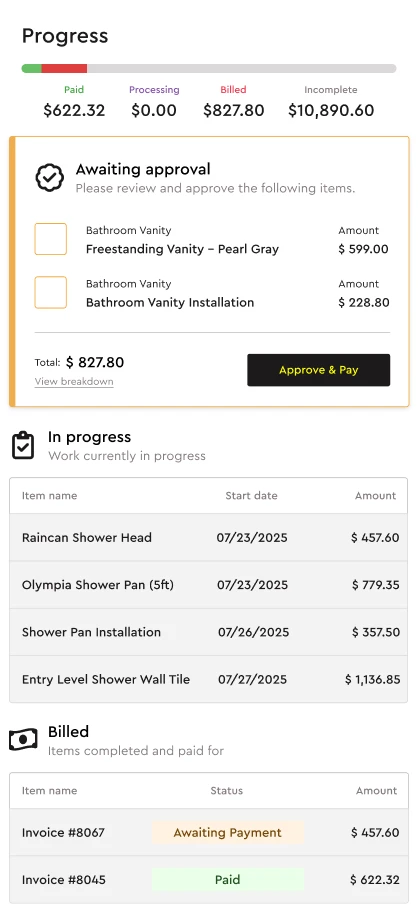
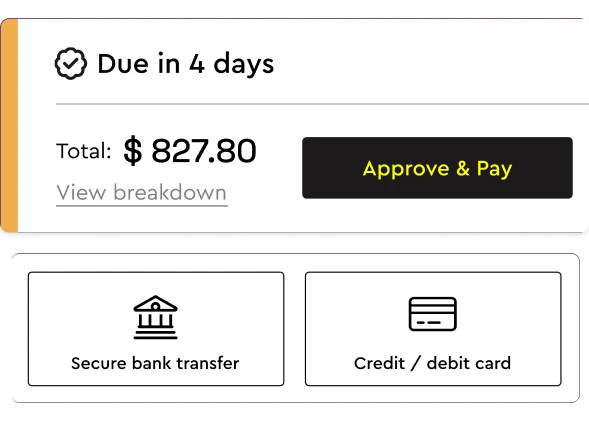
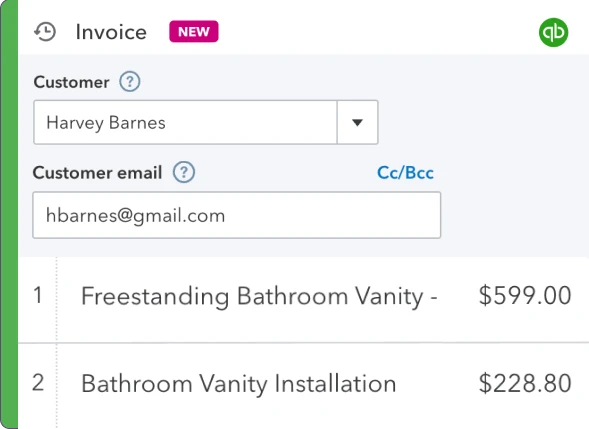
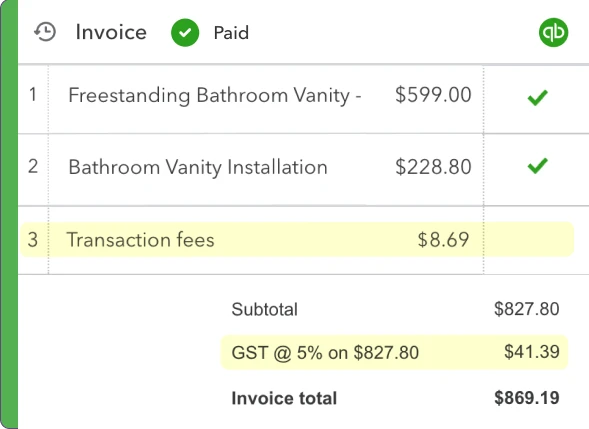
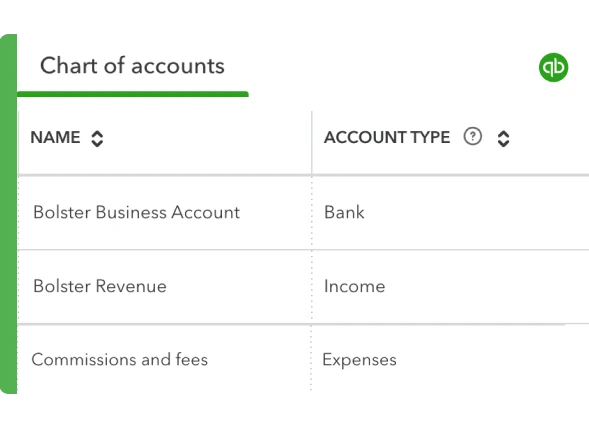
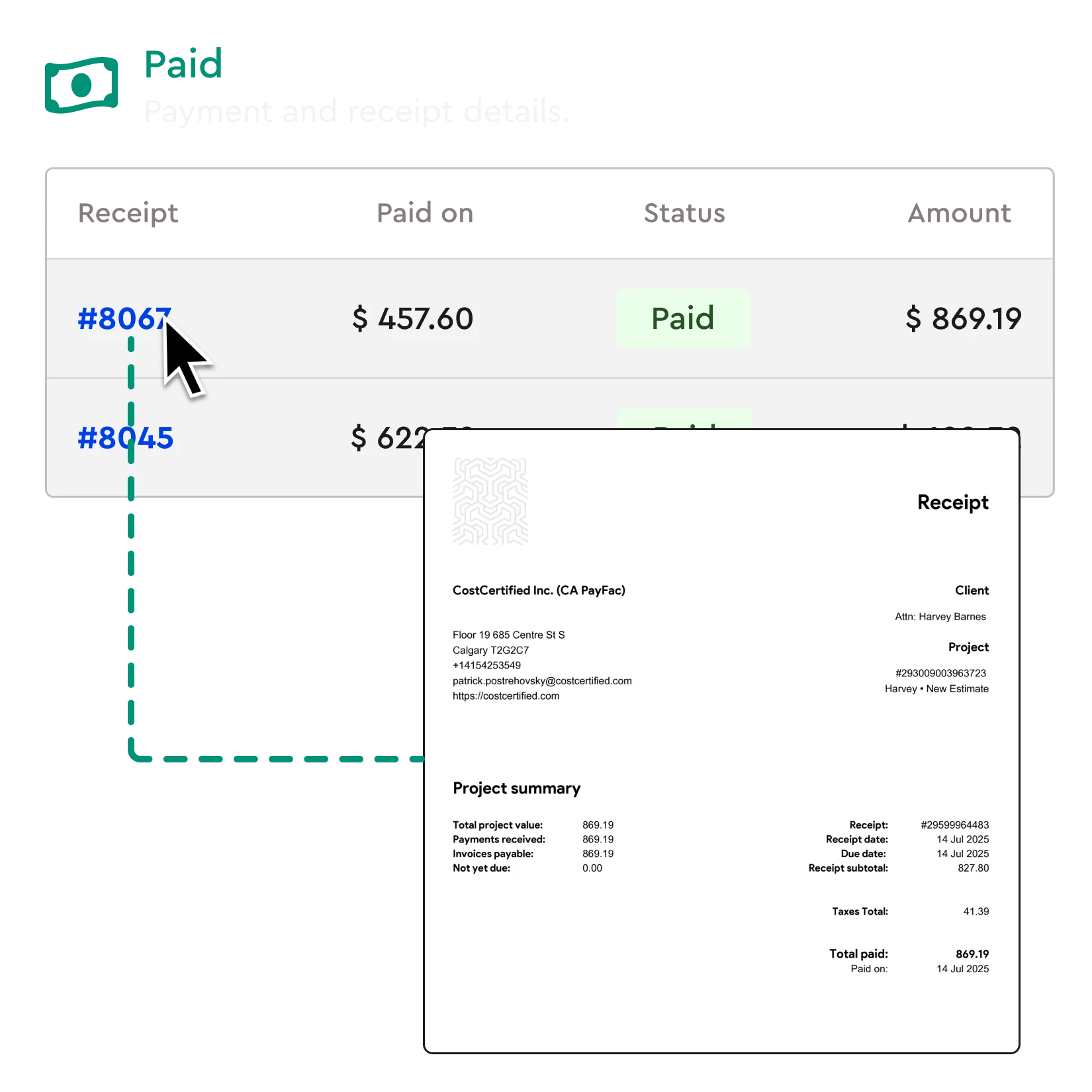
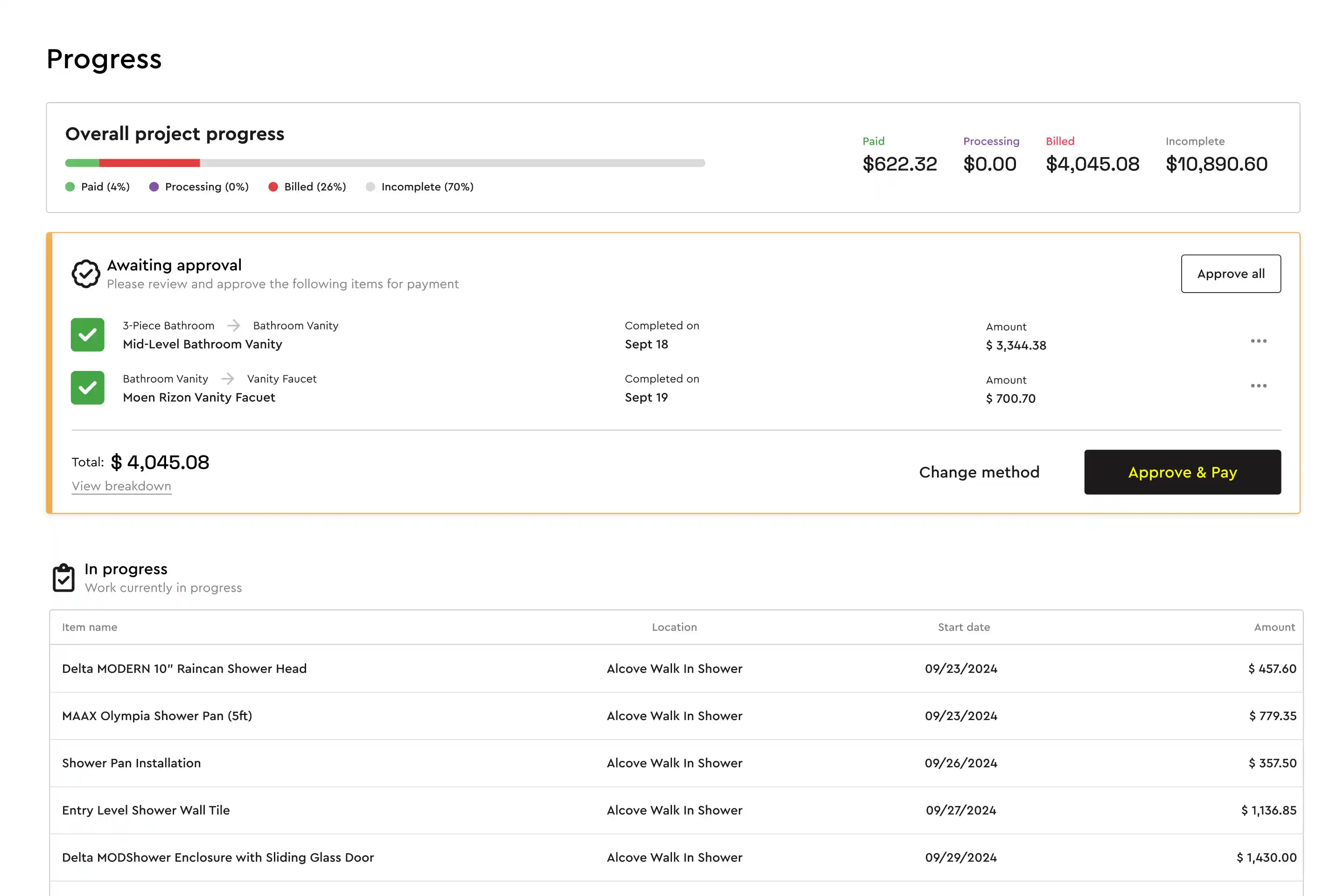
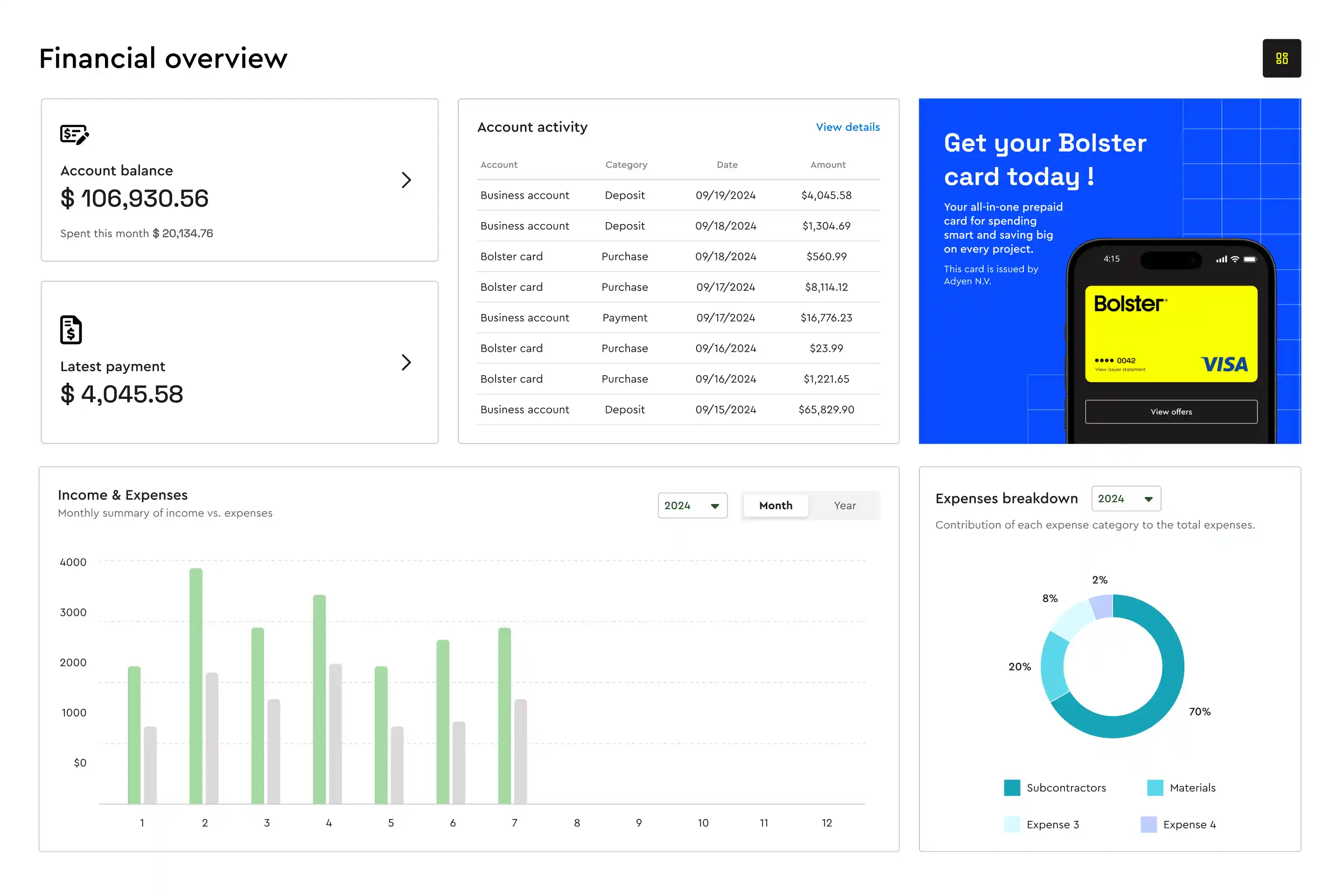
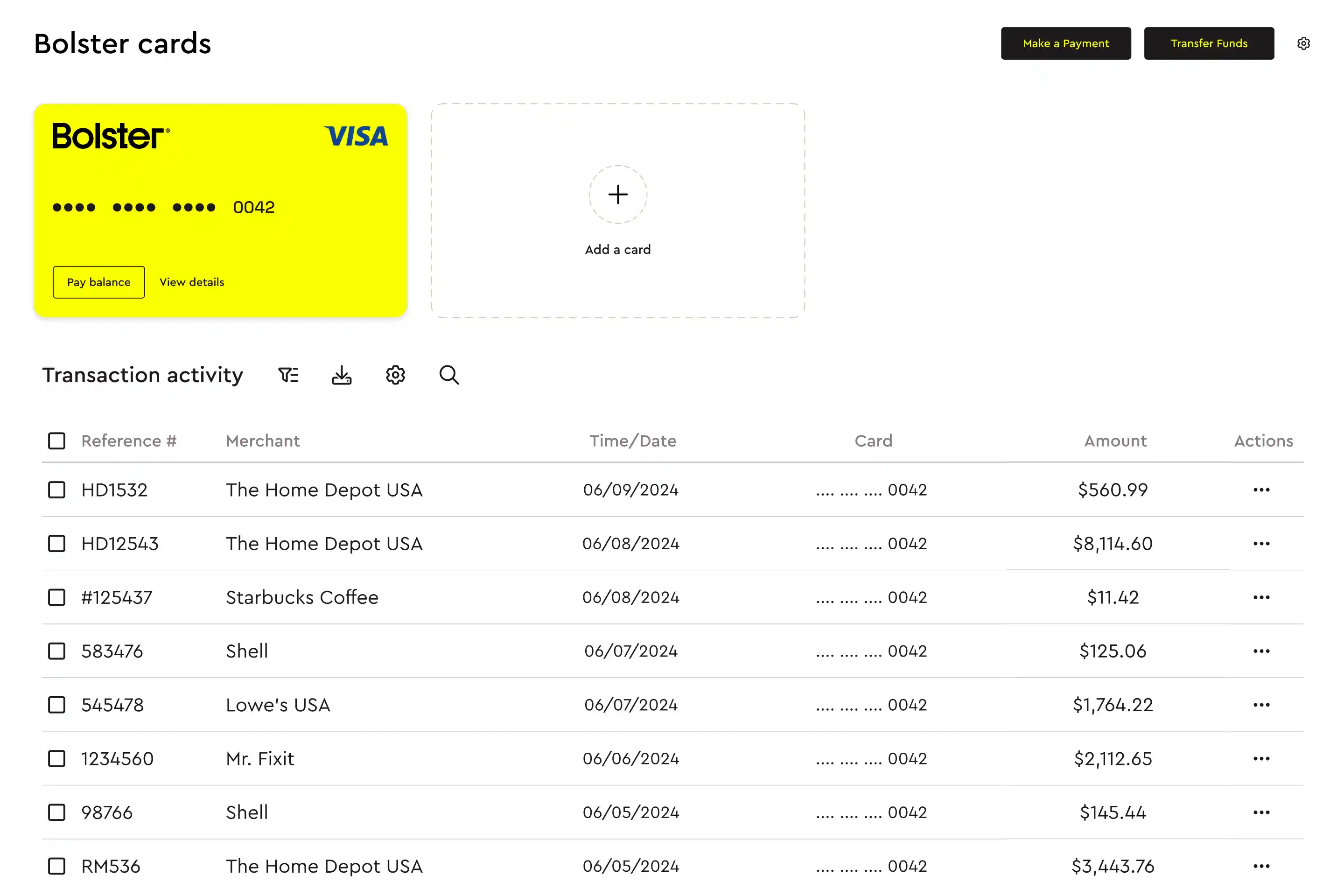
In Bolster, the schedule comes from the estimate: when a job is booked, each estimate item becomes a trackable task. When your crew marks a task complete, Bolster sends the client an automatic payment request through the client portal, so progress payments follow the work without you building invoices by hand. Invoices and receipts are generated automatically and sync to QuickBooks.
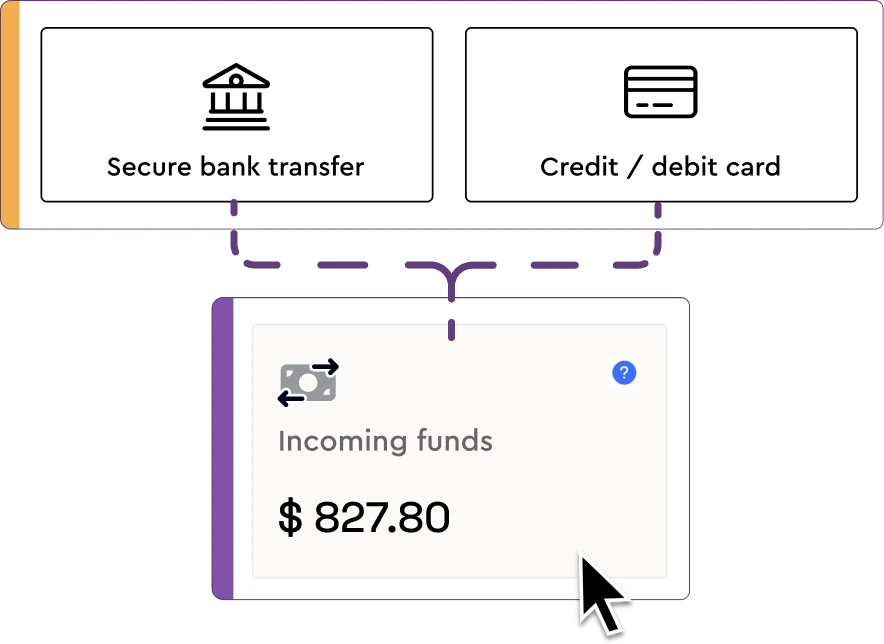
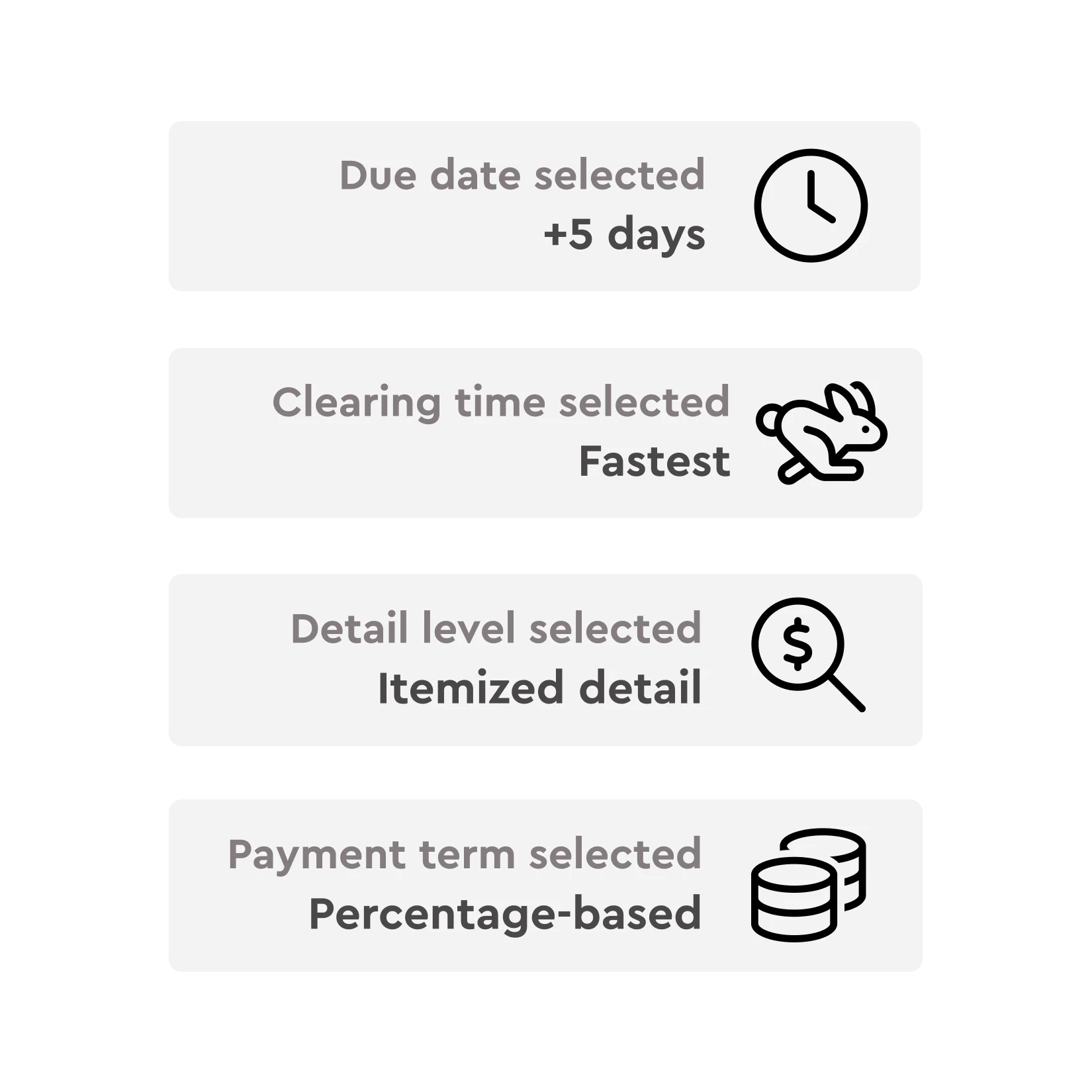
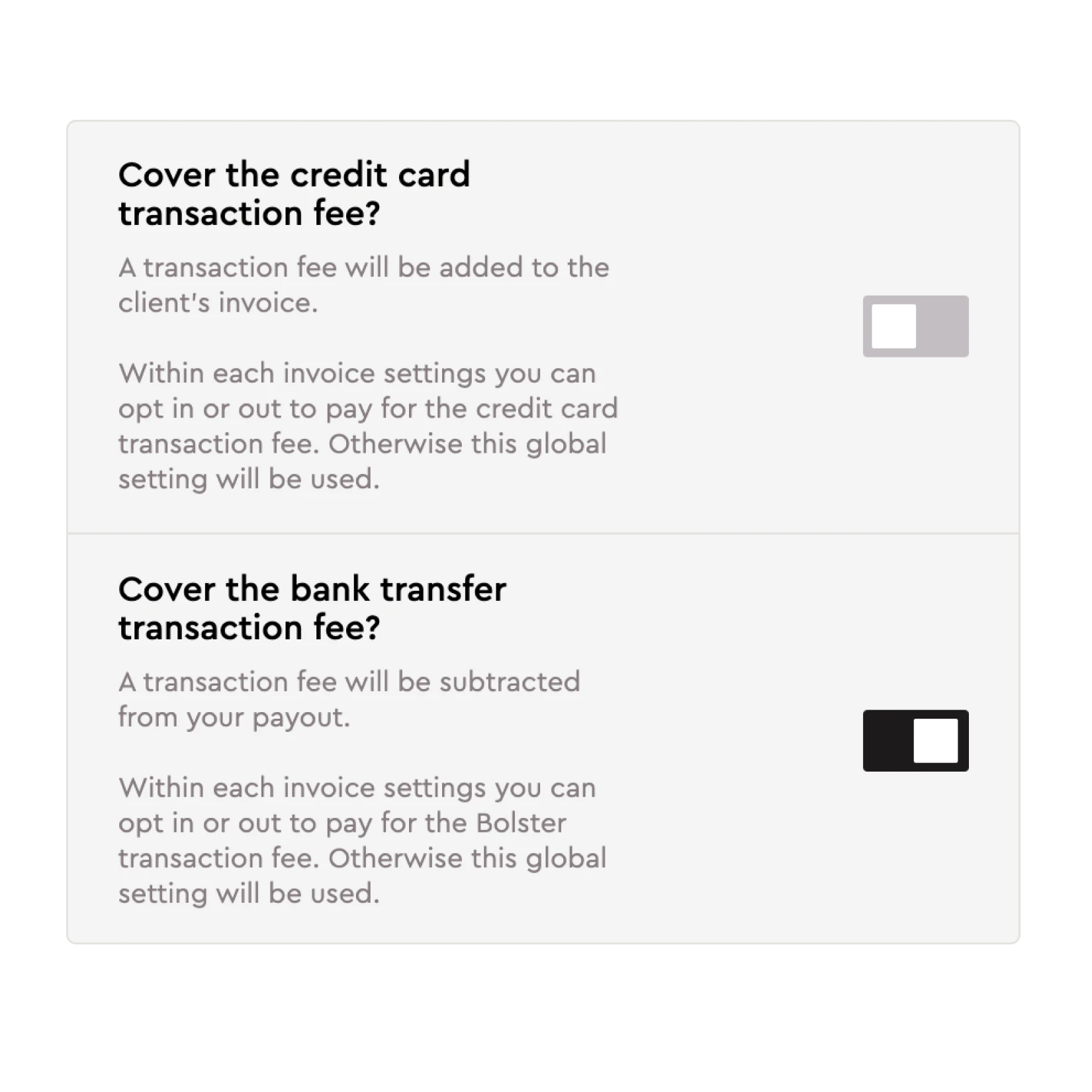
- Clients pay online. ACH bank transfer at 1% per transaction (minimum $2, capped at $15) or card, with same-day clearing available for an extra fee. Clients see the fee before they pay.
- Holdbacks, lien waivers and subcontractor payments are handled alongside vendor and subcontractor management, so money out follows the same job as money in.
- A business account built in. Payments land in Bolster Wallet, which works for contractors in both the US and Canada.
- Change orders flow into billing. Approved change orders update the job, so the next payment request reflects the new scope.
If you want to see what progress billing looks like on one of your own jobs, book a demo and we will set it up with you. For month-end reporting on jobs in progress, see how to calculate work in progress.
Frequently asked questions
What is progress billing in construction?
Progress billing is invoicing a construction job in stages as work is completed, rather than in one bill at the end. Each progress payment is based either on milestones (such as rough-ins complete) or on the percentage of each line in the schedule of values finished during the period, less holdback and previous payments.
What is a schedule of values?
A schedule of values is a list of every part of a construction job with the dollar value assigned to it, adding up to the contract sum. Each pay application reports the percentage complete on each line, and the payment due is the value of completed work less holdback and earlier payments.
How do you calculate a progress payment?
Add up the value of work completed to date on each line of the schedule of values, subtract holdback (for example 10%), then subtract the payments already made. In our example, $36,950 completed less $3,695 holdback less $18,000 previously paid leaves $15,255 due.
What is AIA billing?
AIA billing is progress billing on the American Institute of Architects pay application forms: the G702 summary (Application and Certificate for Payment) and the G703 continuation sheet, which is the schedule of values. It is standard on commercial work and on residential projects with an architect or lender involved.
What is holdback in construction in Canada?
Holdback is the share of each progress payment the owner keeps back until the lien period after completion has passed. Most provinces, including Ontario, British Columbia and Alberta, require a 10% holdback under their lien legislation. Release timing is set by each province.
Can I do progress billing in Bolster?
Yes. Each estimate item becomes a task on the job schedule, and when a task is marked complete Bolster sends the client an automatic payment request through the client portal. Clients pay online by ACH or card, and invoices and receipts sync to QuickBooks.