





Construction Purchase Orders: A Contractor's Guide From RFQ to Paid
In this article
- What Is a Purchase Order in Construction?
- Purchase Order vs Work Order
- What to Include on a Construction Purchase Order
- The Construction Buyout Process, Step by Step
- A Worked Example: Tiling a Bathroom Remodel
- Common Purchase Order Mistakes
- When to Move Purchase Orders Out of Spreadsheets
- How Bolster Handles Purchase Orders
- Frequently Asked Questions
Most residential jobs are bought out in an inbox. Quotes arrive as PDFs in email threads, the order is a text to the supplier, and the sub gets paid from the bank portal with nothing tying the payment back to the job. It works until it doesn't: a price that changed, a quantity nobody wrote down, an invoice for more than was agreed.
A construction purchase order fixes most of that. It is the written record of what you ordered, from whom, at what price, before any money moves. This guide covers what a purchase order in construction is, what to include on one, how it differs from a work order, and how purchase orders fit into the wider buyout process, from the request for quote (RFQ) to paying the vendor.
What Is a Purchase Order in Construction?
A purchase order (PO) is a document a contractor sends to a supplier or subcontractor to commit to buying specific materials or work at an agreed price. Once the vendor accepts it, the PO becomes the reference point for everything that follows: the delivery, the invoice and the payment.
On a construction job, a purchase order does three things:
- Locks in the price. The number on the PO is the number you budgeted against, not whatever turns up on the invoice three weeks later.
- Defines the scope. Quantities, specs and delivery dates are written down, so there is no argument about what was ordered.
- Commits the cost to the job. The moment a PO is issued, that money is spoken for. Tracking committed cost, not just money already spent, is what lets you see a budget problem while you can still do something about it.
Without POs, the first time you find out what something really cost is when the bill arrives. By then the material is installed and the margin is gone.
Purchase Order vs Work Order
The two terms get used interchangeably, but they cover different things:
- A purchase order is for materials and supplies: tile, lumber, fixtures, cabinets. It commits you to a price with a supplier.
- A work order is for labour: the tile setter, the plumber, the electrician. It commits you to a price with a subcontractor for a defined scope of work.
Plenty of vendors need both. A tile installer who supplies and installs might get one order covering the material and the labour, or separate orders if you buy the tile yourself. What matters is that every commitment, material or labour, is written down and tied to a line in the job budget.
What to Include on a Construction Purchase Order
Whether you use a construction purchase order form, a template in a spreadsheet or software, the same fields matter. A complete PO includes:
- PO number. A unique number you can quote on every call, delivery slip and invoice.
- Job name and address. So the vendor knows where it is going and you know which budget it hits.
- Vendor details. Business name, contact and the email the PO is sent to.
- Line items. A description of each item or scope, the quantity and unit (sq ft, each, lineal ft), the unit price and the line total.
- Totals. Subtotal, tax and the grand total.
- Delivery or start date. When the material needs to be on site or the work needs to begin.
- Terms. Payment terms, how changes are handled, and anything specific to the job, such as site access or clean-up.
- Approval. Who issued it and when, plus the vendor's acceptance.
If you are working from a free construction purchase order template, the weak spot is usually the line items. Retyping quantities and prices from your estimate into a template is where most mistakes start. If the PO can be built from the estimate itself, the numbers match by default.
The Construction Buyout Process, Step by Step
"Buyout" is the stretch between winning the job and starting the work, when you price and commit every trade and supplier. Done well, it protects the margin you estimated. Done in a hurry, it is where the margin leaks.
A clean buyout runs in five steps.
1. Send RFQs From Your Estimate
A request for quote (RFQ), also called a bid request, asks vendors to price a defined scope. The best RFQs come straight from your estimate: the same items, the same quantities, the same specs. Send each scope to more than one vendor, set a due date, and attach drawings or photos so everyone is pricing the same thing.
2. Compare the Bids
When bids come back, compare them line by line against your budget, not just on the bottom line. A cheap bid that leaves out the waterproofing membrane is not cheap. Level the bids for missing scope so you are comparing like with like, and chase anyone who has not replied.
3. Award the Bid and Issue the PO
Award the work to the best bid, which is not always the lowest, and issue the purchase order or work order right away. The PO should carry the awarded price, the scope and the dates. This is the moment the cost becomes committed.
4. Match the Invoice to the PO
When the invoice arrives, check it against the PO before you approve it. Accounts payable teams call this a two-way match: invoice against order. A three-way match adds a third document, the delivery receipt or proof the work was done, so you only pay for what was ordered, at the agreed price, and actually received. On a small job the question is the same either way: does this bill match what I agreed to, and did I get it?
5. Pay the Vendor and Close the Line
Pay the approved invoice and record the payment against the job. The budget line now shows the full story: budgeted, committed, billed and paid.
A Worked Example: Tiling a Bathroom Remodel
Here is the whole process on one scope: the tile package for a main bathroom remodel at 234 10 Ave.
The estimate. The tile scope is two lines: floor tile, 85 sq ft, at $1,280, and shower wall tile, 120 sq ft, at $2,320. That is a tile budget of $3,600.
The RFQ. Both lines go out to three tile installers, ABC Tiling, Summit Tile & Stone and Coastal Tile Co., with a one-week due date and the tile spec attached.
The bids. ABC Tiling comes back at $3,350, Summit at $3,710 and Coastal at $3,880. All three include the same scope, so the comparison is fair. ABC is the lowest and $250 under budget.
The award and PO. ABC Tiling gets the work. PO #0064 goes out for floor and shower wall tile, 205 sq ft, at $3,350. The $3,350 is now committed against the tile budget.
The invoice. When the job is done, ABC invoices $3,350. It matches PO #0064, the work is complete, and the budget shows $3,350 of $3,600 used.
The payment. The invoice is approved and paid. ABC is notified, and the tile line closes $250 under budget.
Nothing here is complicated. The difference between this and the inbox version is that every number was written down once, at the start, and everything after it was checked against that record.
Common Purchase Order Mistakes
- Issuing the PO after the work starts. A PO written after the fact is a receipt, not a control.
- Retyping the estimate. Every time a quantity is copied by hand, it can change. Build orders from the estimate.
- No PO for "small" orders. Small orders add up, and they are the ones nobody remembers when the bill arrives.
- Paying invoices without checking them. If the invoice does not match the PO, find out why before you pay, not after.
- Not updating the budget. A PO that never makes it into the job budget leaves you looking at last week's numbers.
When to Move Purchase Orders Out of Spreadsheets
A spreadsheet and a PO template work when you run a handful of jobs and a few regular vendors. The signs you have outgrown them:
- You are chasing quotes across email, texts and voicemail.
- You cannot say what is committed on a job without opening three files.
- Invoices get paid without anyone checking them against an order.
- The budget is only accurate once the job is finished.
Purchase order software for construction keeps the RFQ, the bids, the PO, the invoice and the payment on the job, so the budget updates as you go rather than after the fact.
How Bolster Handles Purchase Orders
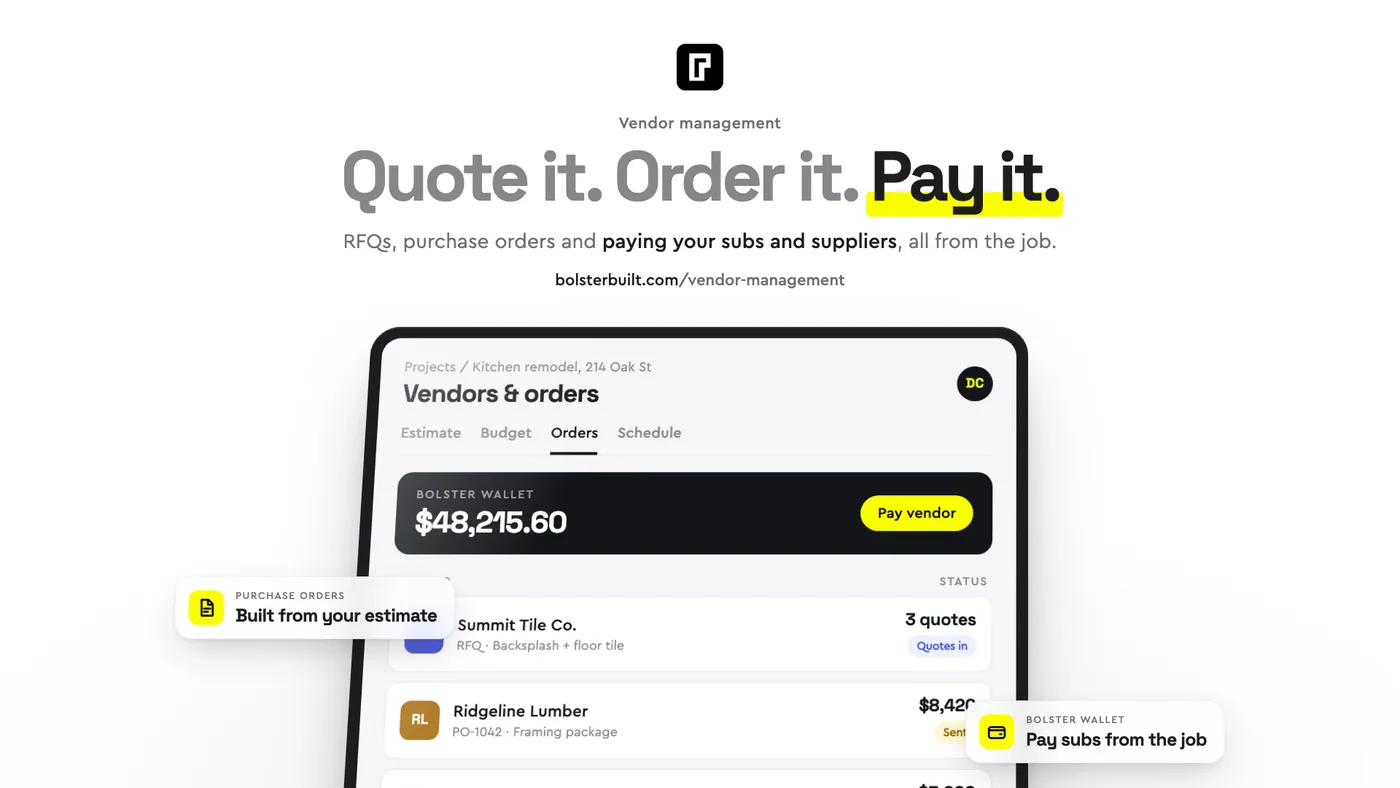
In Bolster, the whole buyout process runs from the job:
- Request bids from your estimate. Pick the items that need pricing, choose the vendors, set a due date, attach files and send. Remind slow vendors in one click.
- Compare bids against the budget. Bids come back side by side, levelled for missing scope, showing who is over or under budget.
- Award the bid and the order is created. Awarded bids become purchase orders or work orders, priced from the bid, with nothing retyped. You can also build an order straight from the job budget.
- Match bills to the job. Upload a bill or accept the invoice a vendor submits. Bolster reads it, matches each line to the job and warns you before anything goes over budget.
- Pay from the same screen. Pay vendors from Bolster Wallet, and the vendor is notified when the money lands. (Bolster Wallet is available to contractors in the United States.)
Every step lands in the job budget, so budgeted, committed, billed and actual cost sit side by side on every line. See how it works on the vendor management page, or book a demo to walk through it on one of your own jobs.
Frequently Asked Questions
What is a purchase order in construction?
A purchase order in construction is a document a contractor issues to a supplier or subcontractor to commit to buying specific materials or work at an agreed price. It records the scope, quantities, price and dates, and becomes the reference for checking the invoice and making the payment.
What is the difference between a purchase order and a work order?
A purchase order covers materials and supplies bought from a supplier. A work order covers labour from a subcontractor for a defined scope of work. Both commit cost to the job budget.
What does buyout mean in construction?
Buyout is the stage between winning a job and starting work, when the contractor gets prices from subcontractors and suppliers, awards the work and issues purchase orders and work orders. Its goal is to lock in costs at or under the estimate.
What is a three-way match?
A three-way match checks three documents before paying a vendor: the purchase order, the vendor's invoice and the delivery receipt or proof the work was completed. If all three agree, the invoice is approved for payment.
Do small contractors need purchase orders?
Yes. Even on small jobs, a purchase order is the simplest way to lock in a price, avoid disputes about scope and know what is committed on a job before the bills arrive. It does not need to be complicated, but it does need to happen before the work starts.
For more on keeping job costs under control, read our guides to job costing in construction and construction bidding.