Updated October 30, 2026 · Prices checked on each vendor's own website on October 30, 2026 · Written by the Bolster team (we make one of the products below)
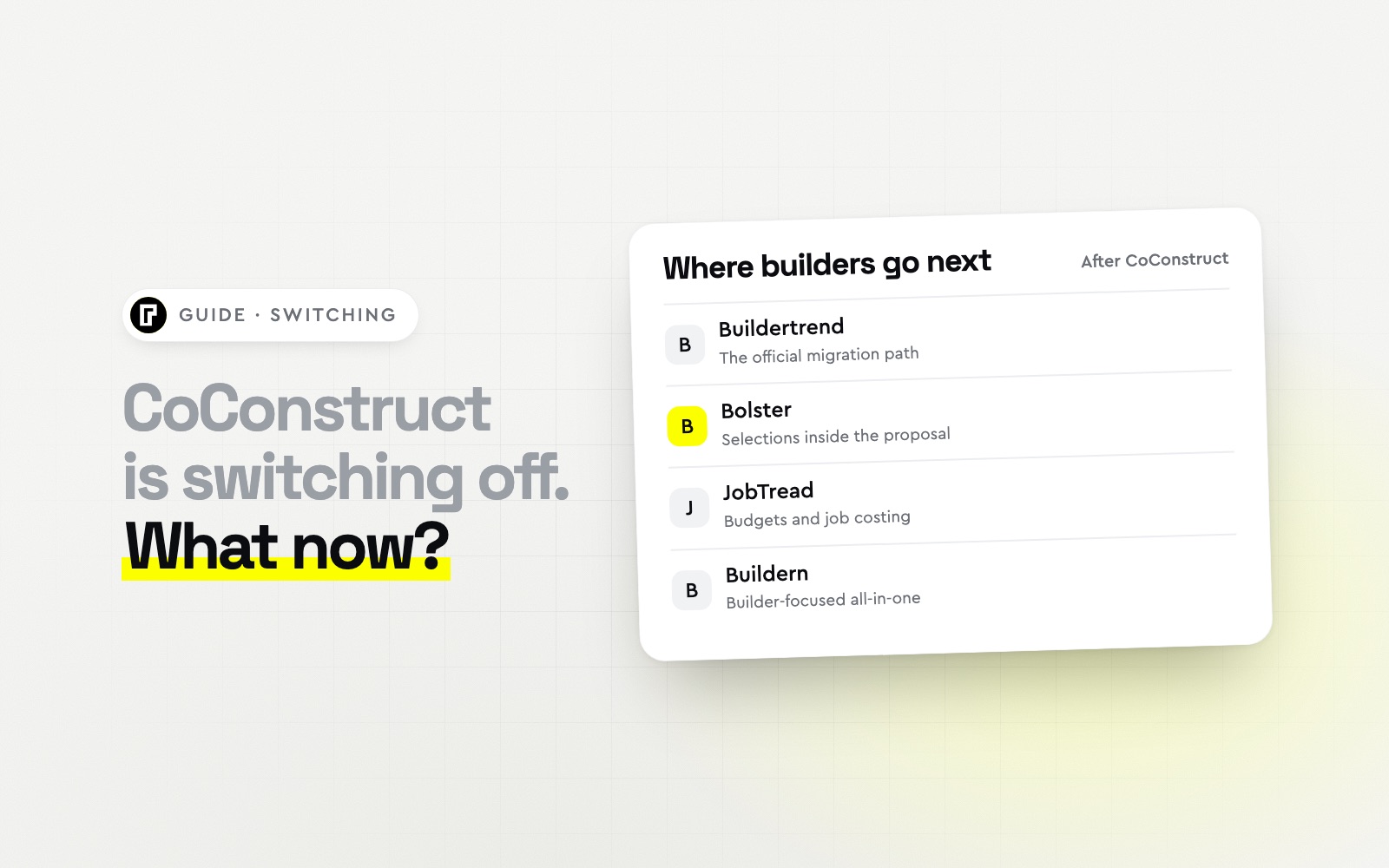
Short answer: CoConstruct is being retired by its owner, Buildertrend, and Buildertrend is the official migration path. If you want to keep the selections-led way of selling that CoConstruct was known for, Bolster builds selections and upgrades into the proposal itself and migrates your data free. JobTread is the choice for job costing, and Buildern is a builder-focused all-in-one.
CoConstruct alternatives compared
| Software | Best for | Starting price (USD) | Stands out for |
|---|
| Buildertrend | CoConstruct users who want the official migration path | Quote only | The official path from CoConstruct |
| Bolster | Builders and remodelers who sell with selections and upgrades | From $155/mo billed annually | Selections inside the proposal, plus free migration |
| JobTread | Builders who want strong budgets and job costing | From $159/mo billed annually | Job costing and selection sheets |
| Buildern | Custom builders who want an all-in-one with allowances | From $225/mo billed annually | Allowance selections and SOV billing |
| Houzz Pro | Design-build remodelers who want design tools | From $199/mo | Selection boards and 3D design |
| Buildxact | Builders who mainly need estimating from plans | From $169/mo billed annually | Takeoff and estimating |
| Contractor Foreman | Builders who want the lowest-cost replacement | From $49/mo billed annually | Low price for many modules |
What CoConstruct users should look for
CoConstruct was popular with custom home builders and remodelers for three things: selections and allowances, estimates tied to specifications, and a client portal that kept homeowners informed. Use those as your test when you compare replacements:
Selections: can clients choose finishes and upgrades and see the price change before they sign?
Estimates and specs: do selections flow into the budget and purchase orders?
Client portal: can homeowners see progress, approve change orders and pay online?
Migration: who moves your clients, cost items and open jobs, and what does it cost?
The best CoConstruct replacements
Best for: CoConstruct users who want the official migration pathBuildertrend owns CoConstruct and is the platform CoConstruct customers are being moved to. It is a very complete construction management system with scheduling, daily logs, a sub portal, purchase orders and payments.
Selections in Buildertrend are a separate process from the proposal, and pricing is quoted and rises with construction volume, so it is worth comparing the cost against the alternatives below.
Strengths- Official migration path from CoConstruct
- Very complete project management
- Large user community
Watch-outs- Quoted pricing that rises with construction volume
- Selections separate from the proposal
- No AI estimating
Price: Quote only (custom quote after a short questionnaire and sales call) (from Buildertrend's pricing page, checked October 30, 2026)
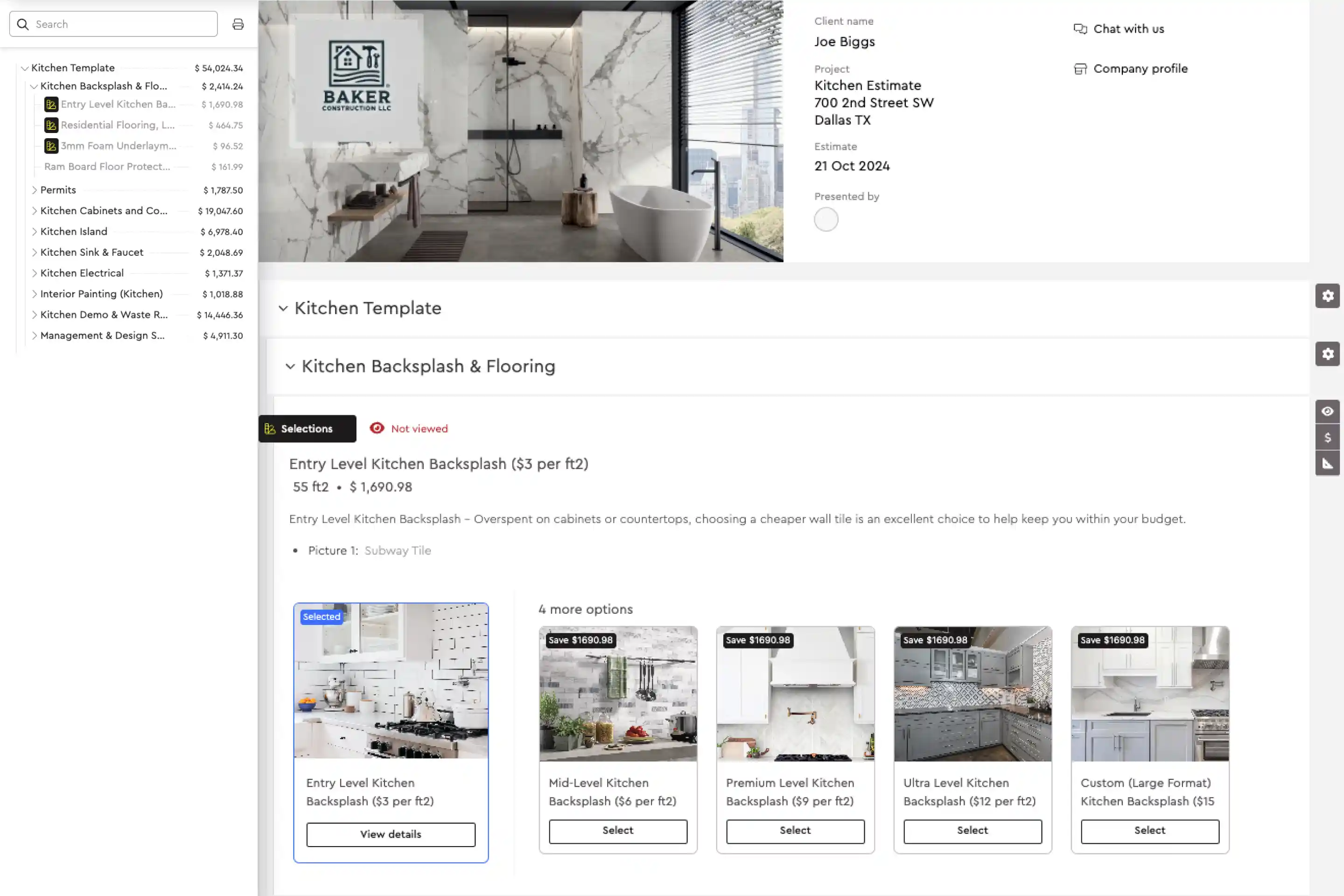
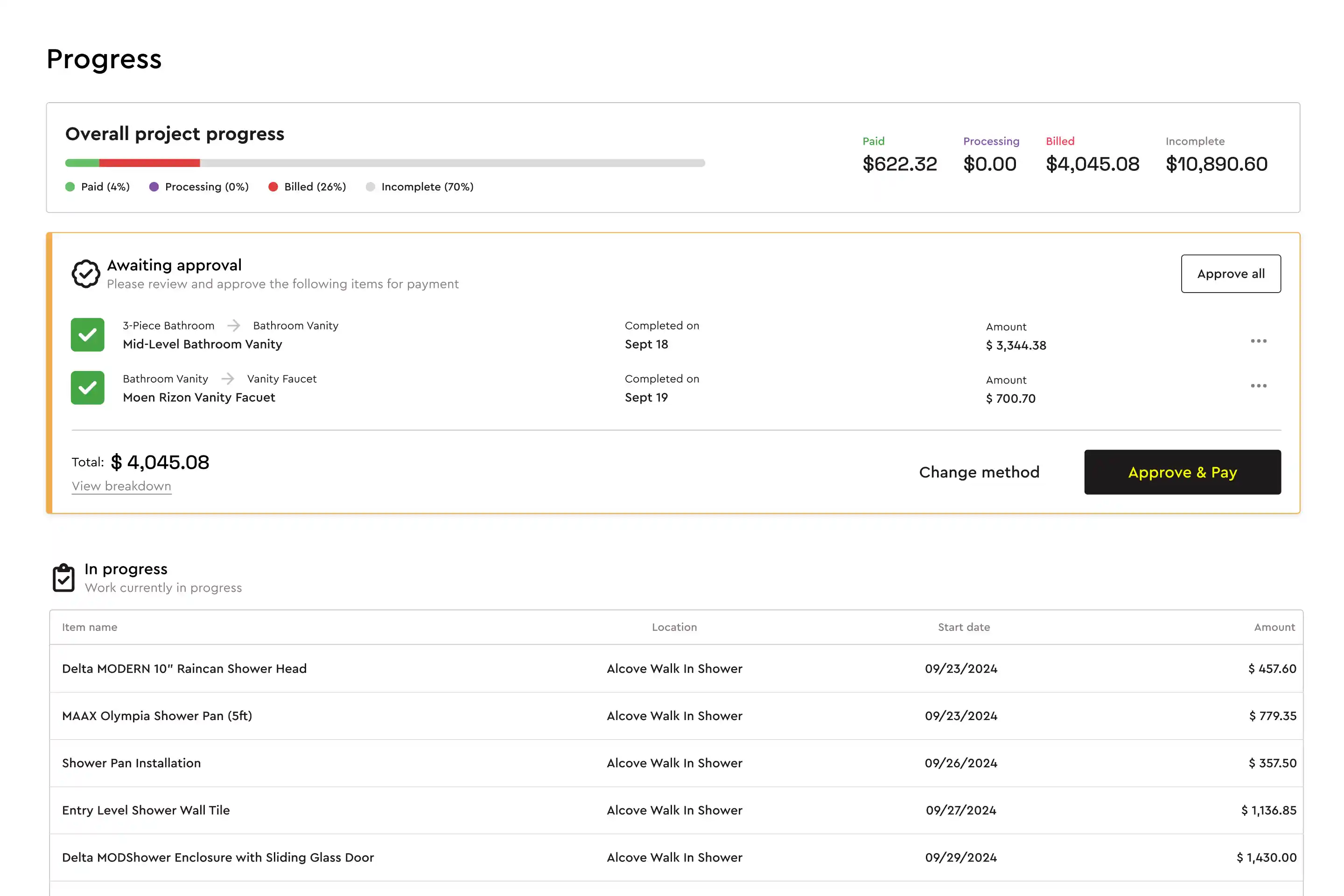
Best for: Builders and remodelers who sell with selections and upgradesBolster is the closest match to how CoConstruct users sell. Clients choose selections and upgrades inside an interactive proposal, see the price update, then sign and pay the deposit in one step. Changes to selections after the sale become change orders automatically.
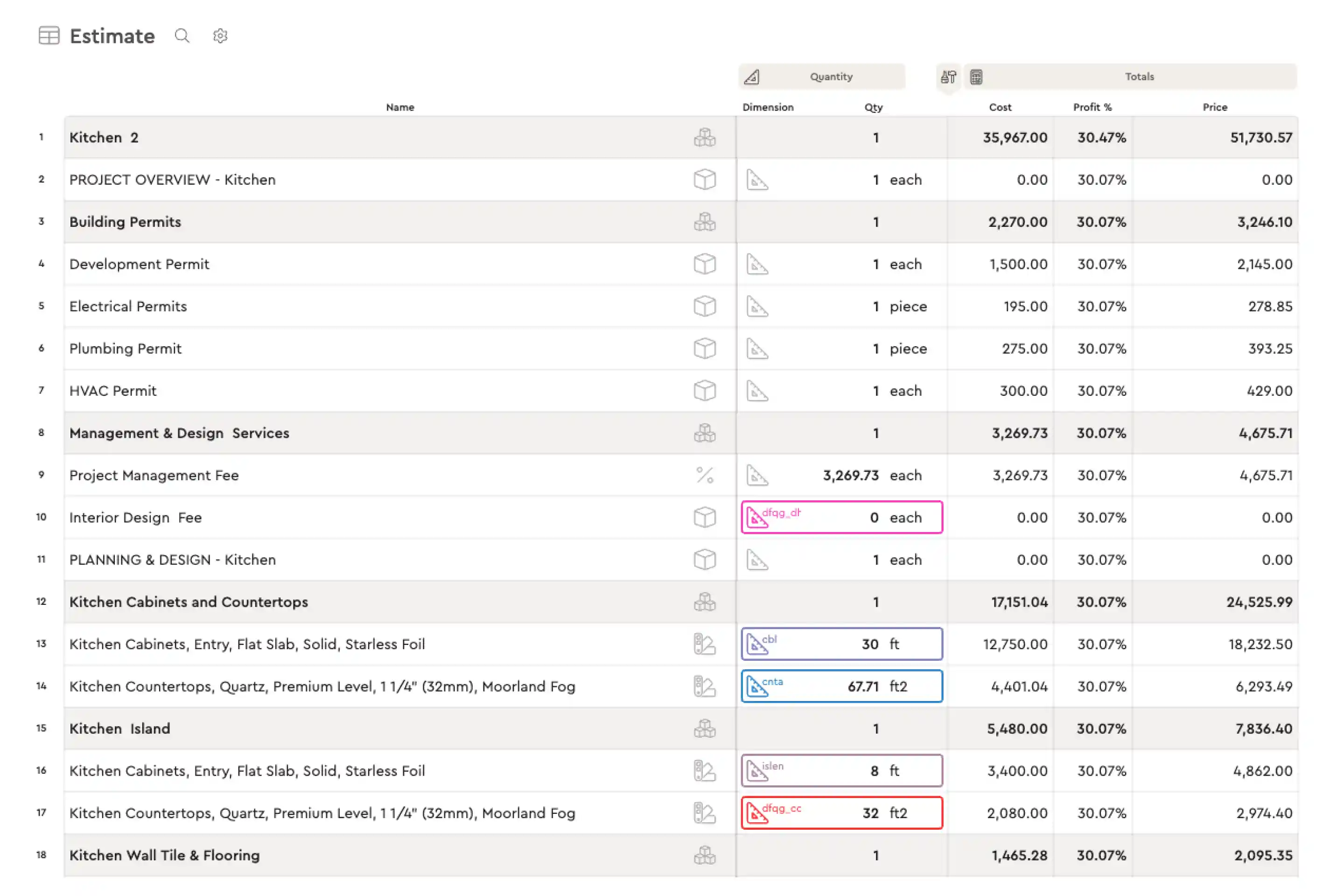
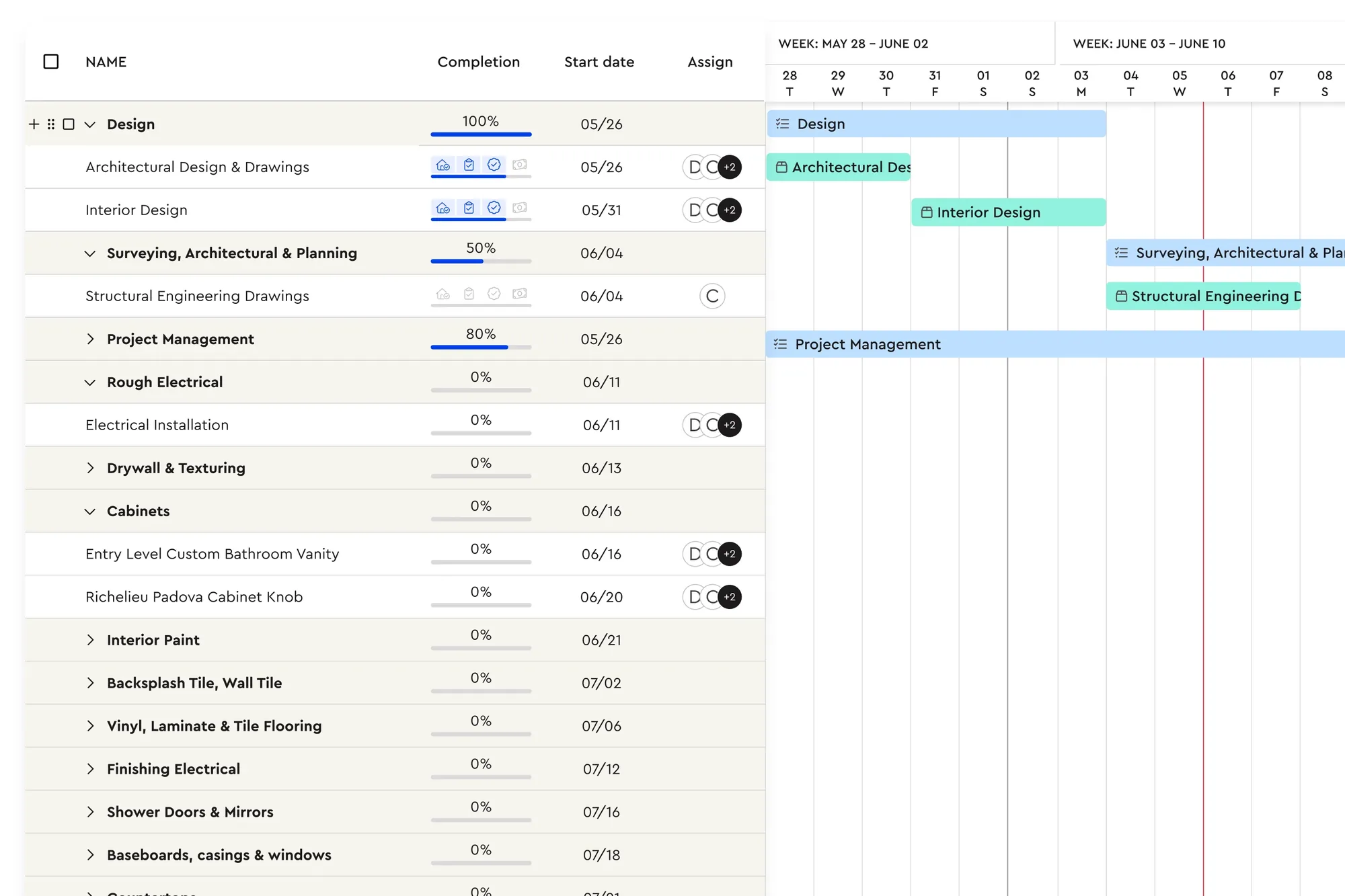
Behind the proposal, AI estimating and AutoCost price the job with live regional costs, and the schedule, budget, purchase orders and progress payments are generated from the estimate. Bolster migrates CoConstruct customers' data free, with 1:1 onboarding.
Strengths- Selections and upgrades inside the proposal, with sign-and-pay
- Free migration from CoConstruct with 1:1 onboarding
- Published pricing that does not rise with volume
- Live regional pricing and AI estimating
Watch-outs- Built for residential contractors; commercial GCs who need submittals, RFIs and owner reporting are better served by Procore
- Core includes one user; teams need Pro (3 users) or Premium (5 users)
- A younger product than Buildertrend, with a shorter integration list (QuickBooks, CompanyCam, Hover, Zapier)
Price: From $155/mo billed annually (Core, 1 user) or $189 month to month; Pro $399/mo annually with 3 users (from Bolster's pricing page, checked October 30, 2026)
Best for: Builders who want strong budgets and job costingJobTread has selection sheets, a client portal and some of the best job costing in residential software, with per-user pricing and an onboarding specialist.
Strengths- Detailed job costing
- Selection sheets and client portal
- Transparent pricing
Watch-outs- Selections are sheets rather than part of the proposal
- No live regional pricing
- Scheduling is manual or template-based
Price: From $159/mo billed annually ($1,908/yr), or $199/mo billed monthly, + $16-20/mo per extra internal user (from JobTread's pricing page, checked October 30, 2026)
Best for: Custom builders who want an all-in-one with allowancesBuildern offers allowance-based selections, estimating with takeoff, Gantt scheduling, a client portal and progress and schedule-of-values billing.
Strengths- Allowance selections
- Progress and SOV billing
- AI drafting tools
Watch-outs- Own cost catalogue only
- Standard proposals
- Smaller community
Price: From $225/mo billed annually (2 seats), or $250/mo billed monthly (from Buildern's pricing page, checked October 30, 2026)
Best for: Design-build remodelers who want design toolsHouzz Pro pairs selection boards, mood boards and 3D floor plans with estimating, proposals and a client dashboard, plus leads from Houzz.
Strengths- Design and selection boards
- Free plan to start
- Lead generation
Watch-outs- Selection boards separate from the proposal
- Average-price catalogue
- Extra users cost more
Price: From $199/mo (Pro, 1 user); annual subscription per FAQ (from Houzz Pro's pricing page, checked October 30, 2026)
Best for: Builders who mainly need estimating from plansIf estimating from plans was the part of CoConstruct you used most, Buildxact is a focused option with strong takeoff.
Strengths- Plan takeoff
- Residential focus
- Supplier price files
Watch-outs- Selections and client portal are lighter
- Job management on higher plans
- Traditional proposals
Price: From $169/mo billed annually ($2,030/yr), or $199/mo billed monthly (from Buildxact's pricing page, checked October 30, 2026)
Best for: Builders who want the lowest-cost replacementContractor Foreman covers estimating, scheduling, a client portal and payments at a low monthly price.
Strengths- Low cost
- Broad feature set
- Flat pricing
Watch-outs- No dedicated selections module
- No AI estimating
- Basic proposals
Price: From $49/mo billed annually ($588/yr, 1 user); monthly plans from $139/mo (from Contractor Foreman's pricing page, checked October 30, 2026)
How to move off CoConstruct without losing momentum
Export now: clients, cost items, specifications and selections, and any open jobs.
Pick a test job with real selections and rebuild it in two shortlisted tools, through to the client signing.
Ask who does the migration and what it costs. Bolster migrates CoConstruct data free; check what others include.
Start new jobs on the new system and finish open CoConstruct jobs where they are, if your timeline allows.
For a feature-by-feature view, see Bolster vs CoConstruct.
Frequently asked questions
Is CoConstruct shutting down?
Yes. CoConstruct is being switched off by its owner, Buildertrend, and customers are being moved to other software. Check CoConstruct's own notices for the timeline that applies to your account.
What is replacing CoConstruct?
Buildertrend is the official migration path. Many builders also compare Bolster (closest to CoConstruct's selections-led selling, with free migration), JobTread (job costing) and Buildern (allowances and SOV billing).
What is the best CoConstruct alternative for custom home builders?
Custom builders who sell with selections usually shortlist Bolster and Buildertrend, and JobTread if job costing is the priority. See our custom home builder software guide.
Can I migrate my CoConstruct data?
Yes. Export clients, cost items and specifications from CoConstruct. Bolster migrates CoConstruct customers' data free with 1:1 onboarding; Buildertrend offers its own migration path.
Which CoConstruct alternative handles selections best?
Bolster builds selections and upgrades into the proposal so clients choose, sign and pay in one step. JobTread uses selection sheets, Buildern uses allowances, and Houzz Pro and Buildertrend use separate selection boards or processes.
How we put this together: Bolster makes one of the products on this list, so we have tried hard to be fair to the others. Each vendor's price comes from its own pricing page on the date above, and features come from the vendors' own websites and help centres. We list each tool for the kind of contractor it suits best rather than ranking them, because the right choice depends on your trade, team size and how you sell. Prices change; check the vendor's site before you buy. Spot something out of date? Email support@bolsterbuilt.com and we will fix it.