Updated November 12, 2026 · Prices checked on each vendor's own website · Written by the Bolster team (we make one of the products below)
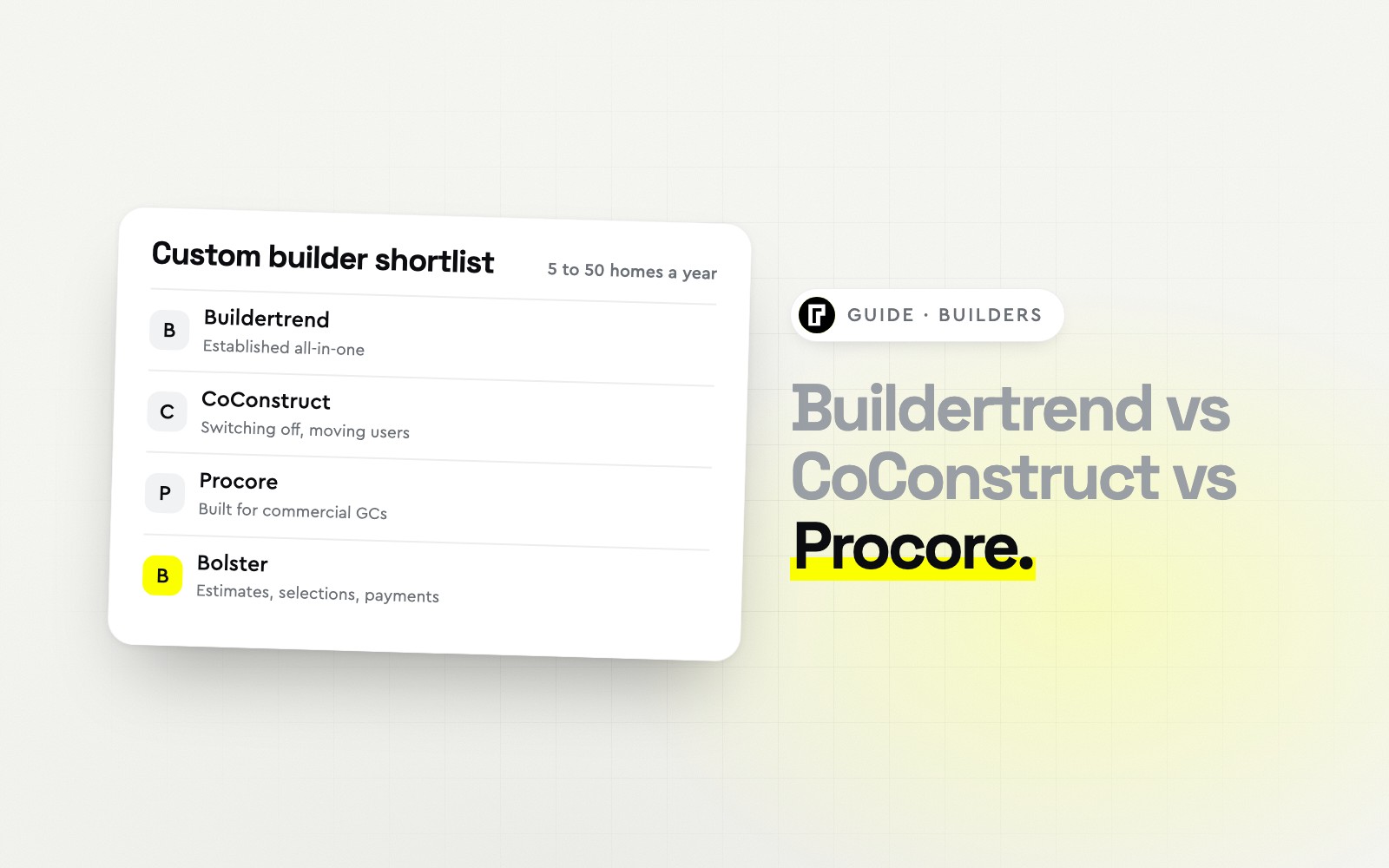
Short answer: for a small custom home builder, Buildertrend is the established all-in-one choice. CoConstruct is switching off and moving its customers to Buildertrend, so it is not an option for a new builder. Procore is built for commercial general contractors and owners, priced on annual construction volume, and is usually more than a residential builder needs.
If you want estimating, selections and payments to be the strong part, look at Bolster: live local pricing and proposals where clients choose selections, sign and pay. JobTread is the alternative for builders who run on budgets and job costing.
Buildertrend vs CoConstruct vs Procore (and two alternatives) at a glance
| Software | Best for | Starting price (USD) | Stands out for |
|---|
| Buildertrend | Builders who want one established all-in-one system | Quote only | Residential project management with selections |
| CoConstruct | Existing users planning their move | Not sold to new customers | Selections and client communication (being retired) |
| Procore | Commercial GCs and very large builders | Quote only | Commercial-grade project management |
| Bolster | Custom builders who want estimating, selections and payments to be the strong part | From $155/mo billed annually; AI and AutoCost on Pro, $399/mo | Selections clients choose inside the proposal |
| JobTread | Builders who run on budgets and job costing | From $159/mo billed annually | Budgets, purchase orders and job costing |
Three tools built for three different companies
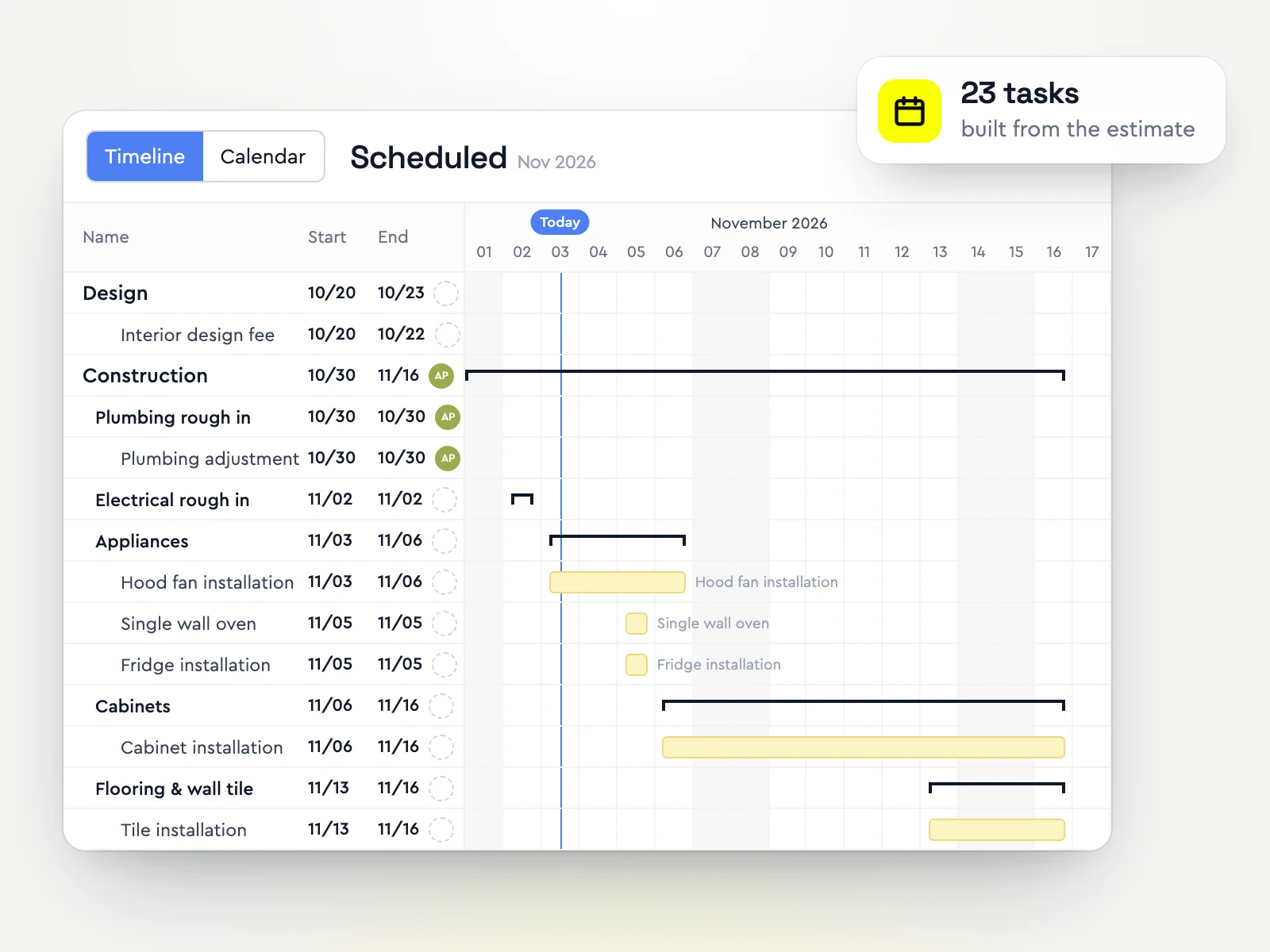
Buildertrend was built for residential builders and remodelers: schedules, selections, client and sub portals, payments.
CoConstruct was the custom builder favourite for selections and client communication. It now belongs to the same company as Buildertrend and is switching off.
Procore was built for commercial construction: RFIs, submittals, drawings, owner reporting and large project teams.
So the real question for most custom home builders is not Buildertrend vs Procore. It is Buildertrend vs the builders' tools that grew up since: Bolster for estimating, selections and getting paid, and JobTread for budgets and job costing.
How each one fits a custom home builder
Best for: Builders who want one established all-in-one systemBuildertrend runs the build: Gantt schedules, daily logs, selections, change orders, a client portal, sub and vendor portals, purchase orders and payments, with estimating from your own cost catalogue. It is where CoConstruct customers are being moved.
Strengths- Complete residential project management
- Selections and client portal
- Official migration path for CoConstruct users
Watch-outs- Quote-only pricing, set after a sales call
- Estimating from your own catalogue, with no live regional pricing
- A lot to set up for a builder doing a handful of homes a year
Price: Quote only (custom quote after a short questionnaire and sales call) (from Buildertrend's pricing page, checked October 30, 2026)
Best for: Existing users planning their moveCoConstruct was popular with custom builders for selections, allowances and client communication. It is no longer sold to new customers and is switching off, with a guided move to Buildertrend for existing users.
Strengths- Familiar selections workflow for existing users
- Guided migration to Buildertrend
- Data can be exported before you move
Watch-outs- Not available to new builders
- Switching off, so every user has to move
- No new features
Price: Not sold to new customers; CoConstruct is switching off and moving customers to Buildertrend (from CoConstruct's pricing page, checked October 30, 2026)
Best for: Commercial GCs and very large buildersProcore is the leading platform for commercial construction: RFIs, submittals, drawings and specifications, quality and safety, and financials for owners and large general contractors. It charges an annual fee per product based on annual construction volume.
Strengths- Unlimited users
- Deep document control, RFIs and submittals
- Large integration marketplace
Watch-outs- Priced on annual construction volume, usually high for a small builder
- No residential selections or client-facing proposals
- Built for commercial workflows a custom builder rarely needs
Price: Quote only (annual fee based on products and annual construction volume) (from Procore's pricing page, checked October 30, 2026)
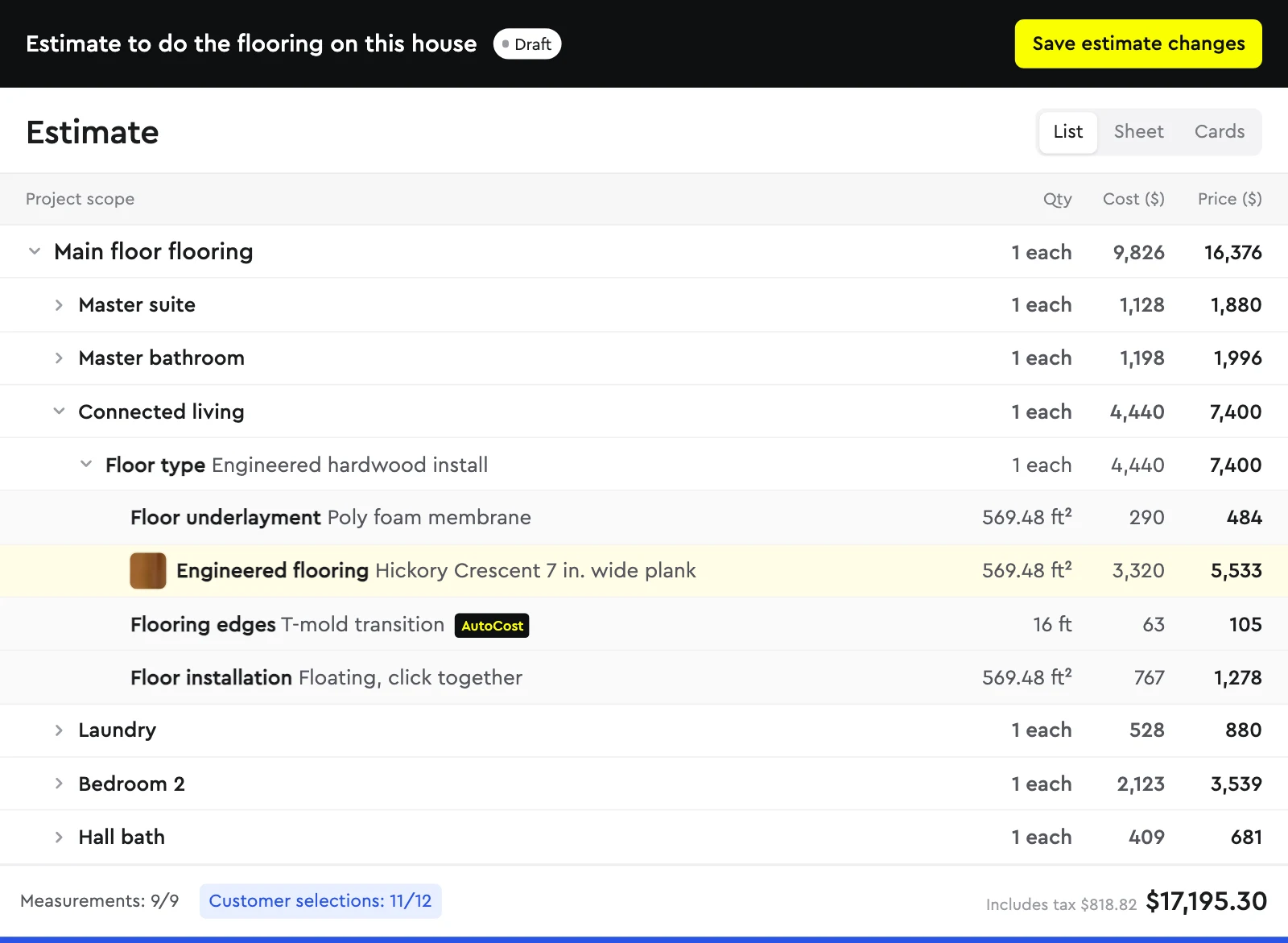
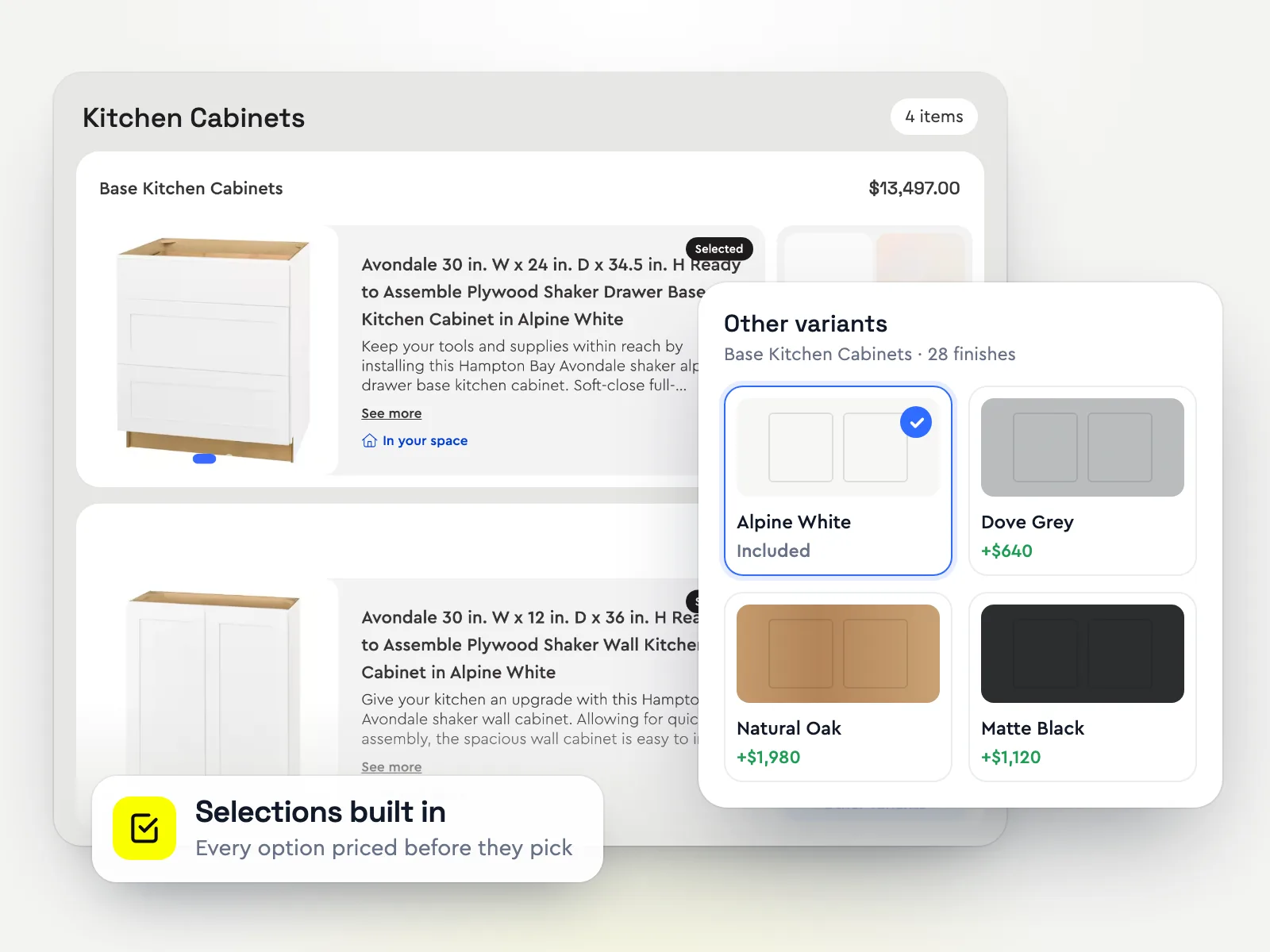
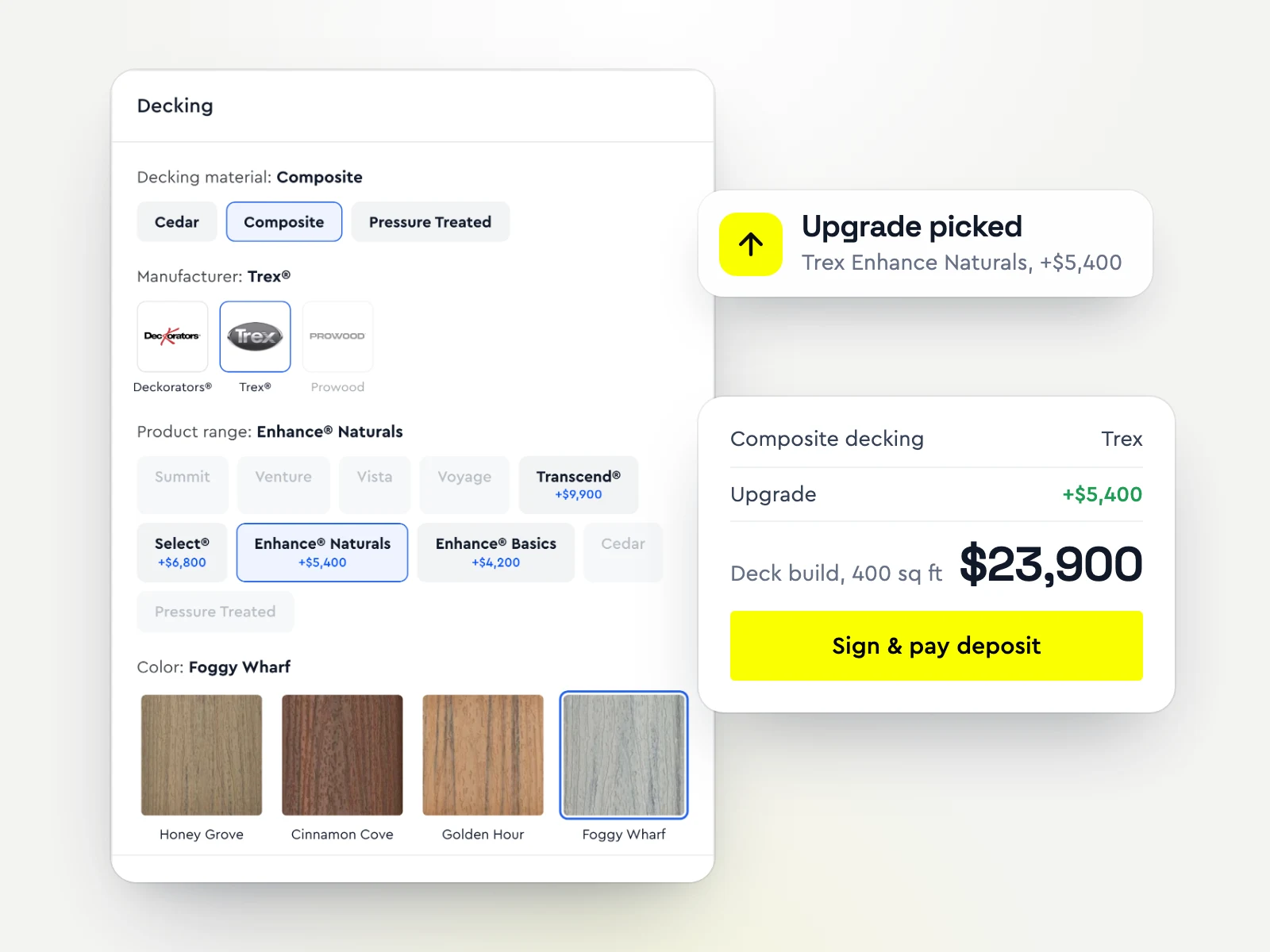
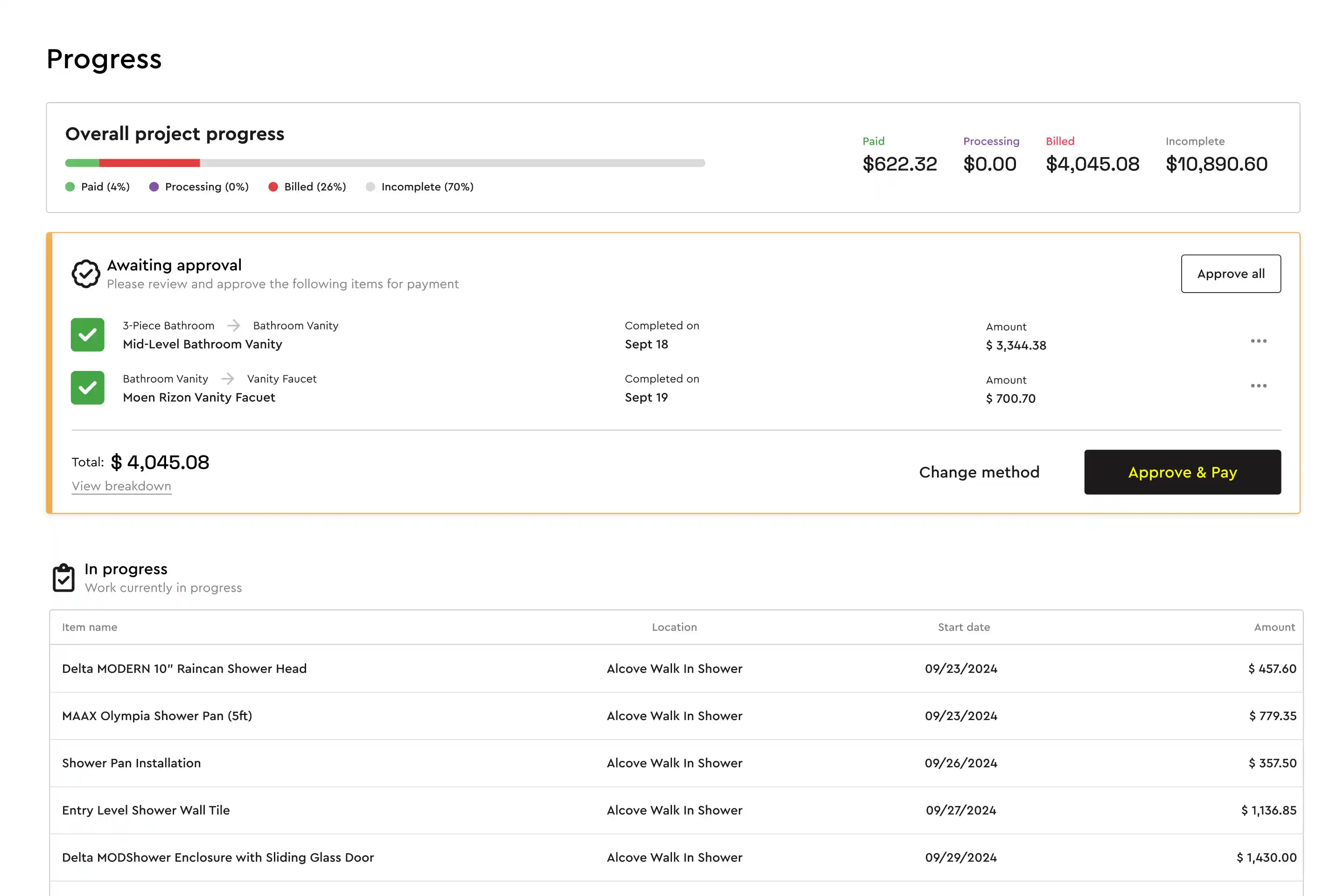
Best for: Custom builders who want estimating, selections and payments to be the strong partBolster prices a build with live regional material and labour costs, takeoff from plans and AI estimating, then turns the estimate into a proposal where clients choose their selections and see the total change before they sign and pay the deposit.
Contractors using Bolster win 20% bigger jobs at 2x the win rate. After the sale, selection changes become change orders automatically and draws are requested as stages are completed.
Strengths- Live regional pricing and takeoff from plans
- Selections chosen inside the proposal, not a separate portal
- Draws and progress payments from the estimate
- Free migration from CoConstruct
Watch-outs- Built for residential contractors; commercial GCs who need submittals, RFIs and owner reporting are better served by Procore
- AI estimating, takeoff, AutoCost pricing and QuickBooks start on Pro ($399/mo billed annually, 3 users); Core covers estimates, proposals and payments
- A younger product than Buildertrend, with a shorter integration list (QuickBooks, CompanyCam, Hover, Zapier)
Price: Core from $155/mo billed annually, or $189 month to month (1 user). AI estimating, takeoff, AutoCost live pricing, automated scheduling and the QuickBooks, CompanyCam and Hover integrations are on Pro: $399/mo billed annually with 3 users (from Bolster's pricing page, checked October 30, 2026)
Best for: Builders who run on budgets and job costingJobTread ties estimates to budgets, purchase orders and bills, so you see profit per home as it is built. Selections and a client portal are included, on one published plan.
Strengths- Strong job costing
- Published pricing
- Unlimited client and vendor portal users
Watch-outs- No live regional pricing
- Standard proposals
- Extra internal users add $16 to $20 a month
Price: From $159/mo billed annually ($1,908/yr), or $199/mo billed monthly, + $16-20/mo per extra internal user (from JobTread's pricing page, checked October 30, 2026)
What to do if you are on CoConstruct
You have to move either way, so treat it as a chance to choose again rather than defaulting to the migration. Export your selections and client history first, then run one recent home through two or three options. Bolster migrates CoConstruct customers for free. More in the best CoConstruct alternatives.
One-on-one comparisons: Bolster vs Buildertrend, Bolster vs CoConstruct and Bolster vs Procore. The wider field: the best custom home builder software.
Frequently asked questions
Is Procore good for a small custom home builder?
Usually not. Procore is built for commercial projects and priced on annual construction volume. A small residential builder gets more from Buildertrend, Bolster or JobTread, which include selections, client portals and residential estimating.
Buildertrend or CoConstruct: which should a new builder choose?
CoConstruct is no longer sold to new customers and is switching off, with customers moving to Buildertrend. A new builder would compare Buildertrend with alternatives such as Bolster and JobTread.
What is the best software for a small custom home builder?
Buildertrend is the established all-in-one. Bolster is the strongest choice when estimating, selections and getting paid matter most. JobTread suits builders who run on budgets and job costing. See our full comparison.
How much does Procore cost compared with Buildertrend?
Neither publishes prices. Procore charges an annual fee per product based on your annual construction volume; Buildertrend quotes after a sales call. Bolster starts at $155/mo billed annually and JobTread at $159/mo billed annually. Prices checked October 30, 2026.
Can I move my CoConstruct selections to another system?
Yes. Export your projects, selections and client data from CoConstruct before it switches off. Bolster migrates CoConstruct customers for free.
How we put this together: Bolster makes one of the products on this list, so we have tried hard to be fair to the others. Each vendor's price comes from its own pricing page on the date above, and features come from the vendors' own websites and help centres. We list each tool for the kind of contractor it suits best rather than ranking them, because the right choice depends on your trade, team size and how you sell. Prices change; check the vendor's site before you buy. Spot something out of date? Email support@bolsterbuilt.com and we will fix it.