Updated November 17, 2026 · Prices checked on each vendor's own website · Written by the Bolster team (we make one of the products below)
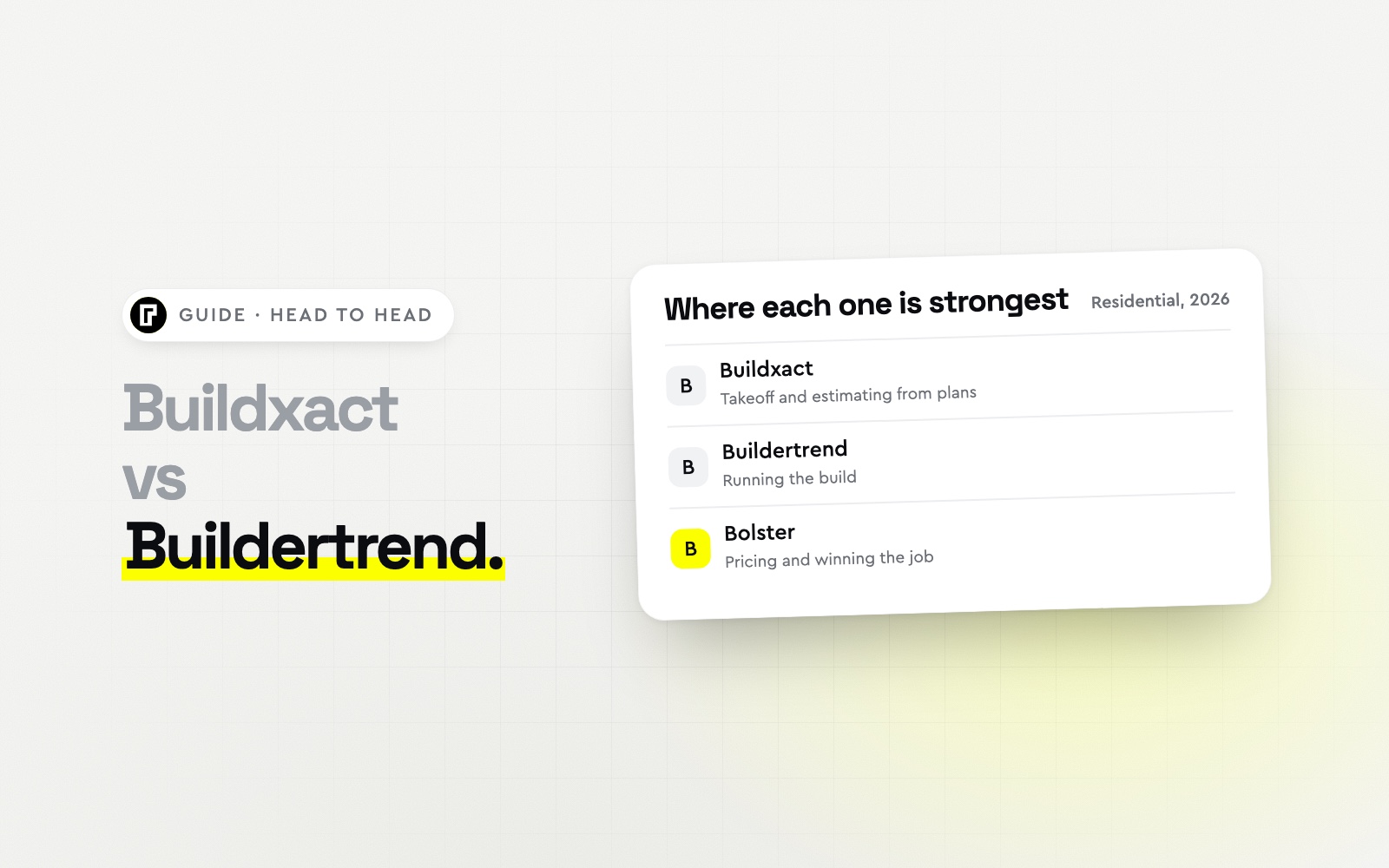
Short answer: choose Buildxact if estimating and takeoff from plans is the core of your work and you want a published price: from $169/mo billed annually with unlimited users, with job management, schedules and the client portal on the $339/mo Pro plan. Choose Buildertrend if you run many builds at once and want the most complete project management, priced on a custom quote.
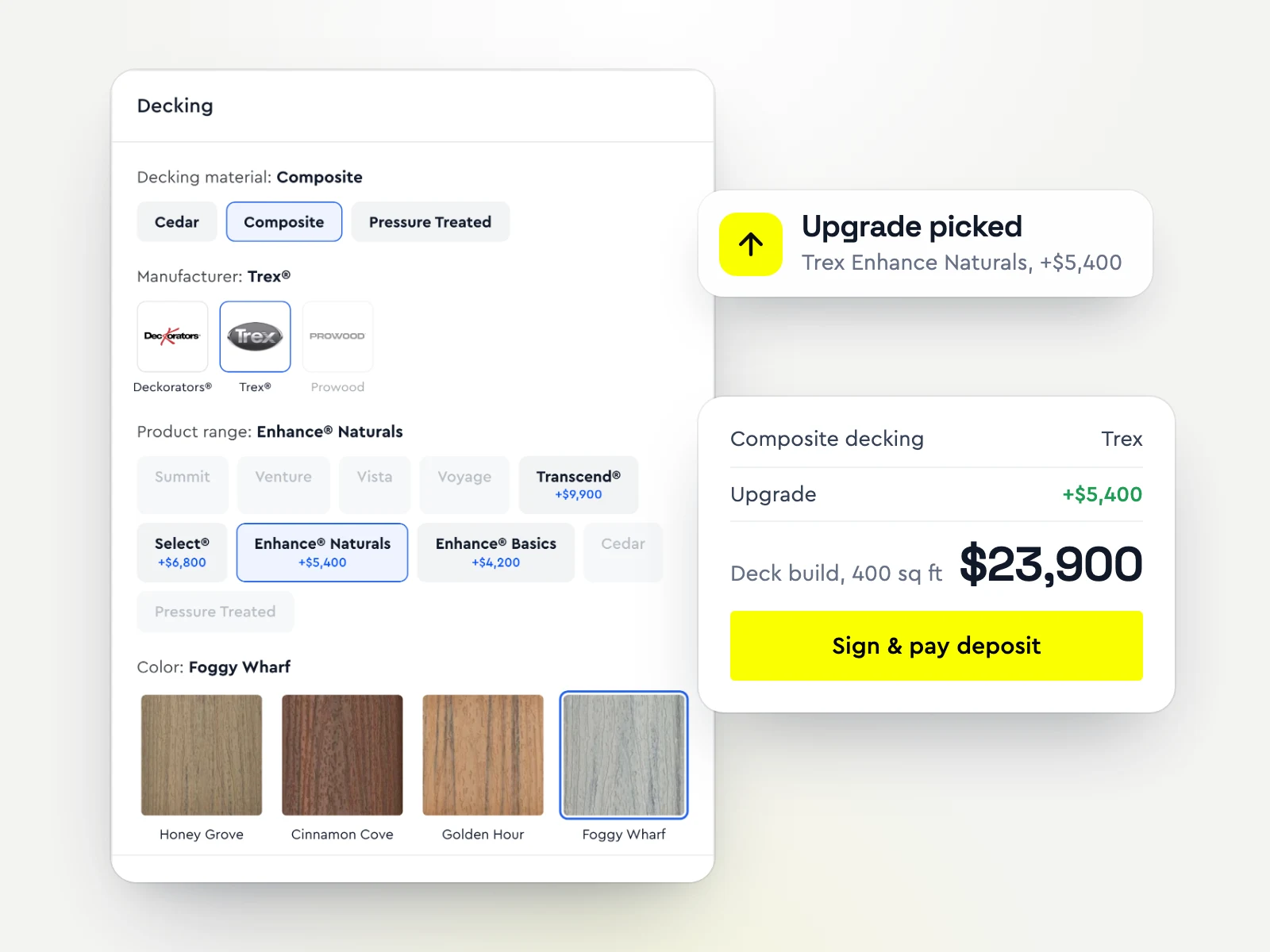
Both price from catalogues and supplier files you keep up to date, and neither takes the deposit inside the proposal. If winning the job is your bottleneck, look at Bolster: live regional pricing, AI estimates and proposals where clients pick upgrades, sign and pay. Contractors using Bolster win 20% bigger jobs at 2x the win rate.
Buildxact vs Buildertrend (and Bolster) at a glance
| Software | Best for | Starting price (USD) | Stands out for |
|---|
| Buildxact | Residential builders who estimate from plans | From $169/mo billed annually | Digital takeoff from plans linked to the estimate |
| Buildertrend | Builders running many jobs at once | Quote only | The most complete project management |
| Bolster | Builders whose bottleneck is pricing and winning the job | From $155/mo billed annually; AI and AutoCost on Pro, $399/mo | Live local pricing and proposals clients buy from |
Buildxact vs Buildertrend, feature by feature
| Feature | Buildxact | Buildertrend | Bolster |
|---|
| AI estimating | Blu: Pro, or $99/mo add-on | None | From an address, photo or prompt |
| Material & labor pricing | Dealer catalogs and price files | Own cost catalog | Live and regional (AutoCost) |
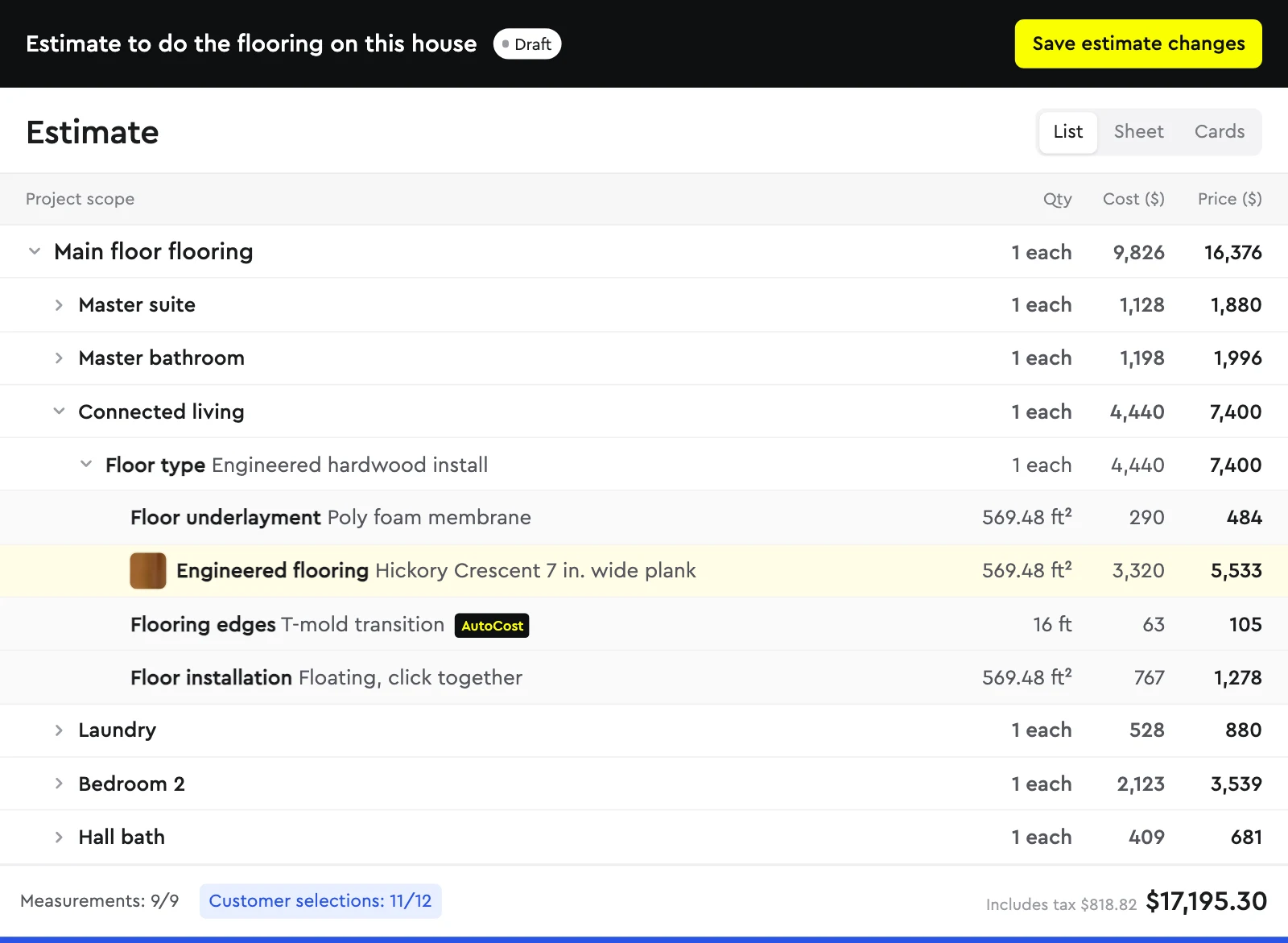
| On-screen takeoff | AI takeoff on Master or add-on | Yes | Plans or satellite, linked to items |
| Proposals | Customizable quote letters | Template-based | Interactive, with checkout |
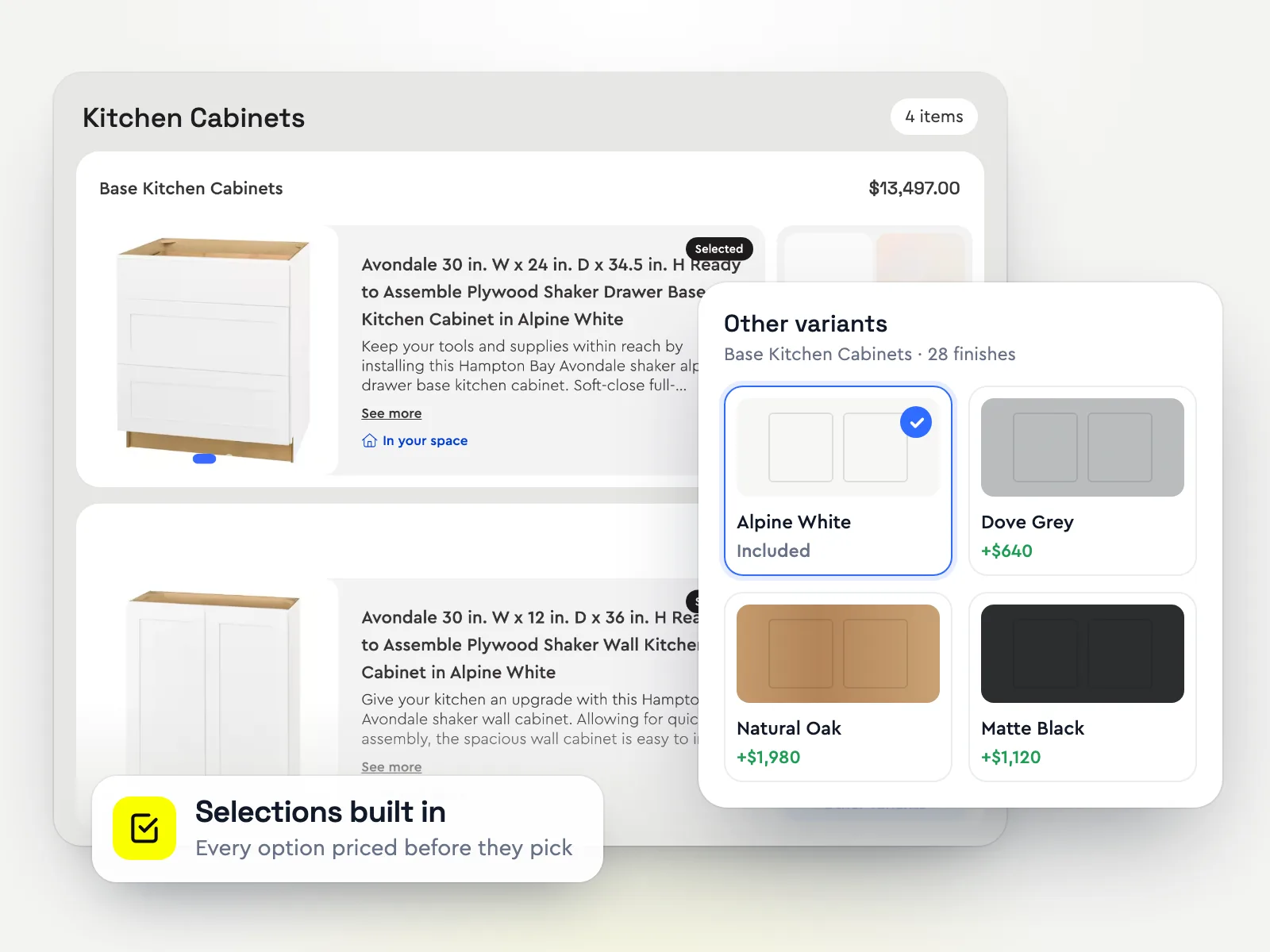
| Selections & upgrades | Client portal (Pro) | Separate process | Inside the checkout |
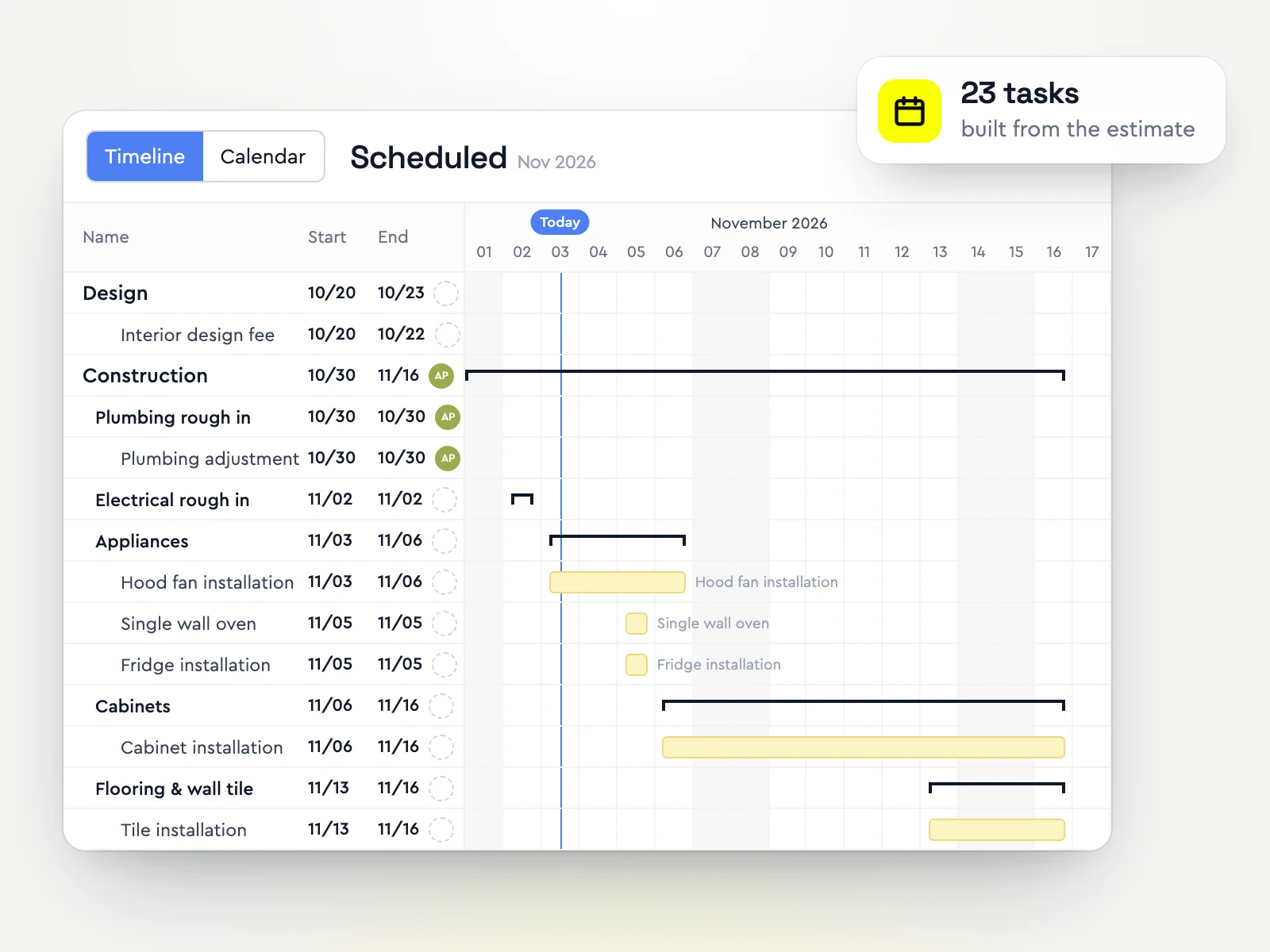
| Scheduling | Gantt, Pro plan | Manual or template | Automated |
| Budget & material list | Job costing, Pro plan | Budget only | Automated |
| Change orders | Pro plan | Yes | Automated from selection changes |
| Client portal | Pro plan | Standard | With visualizations & scheduling |
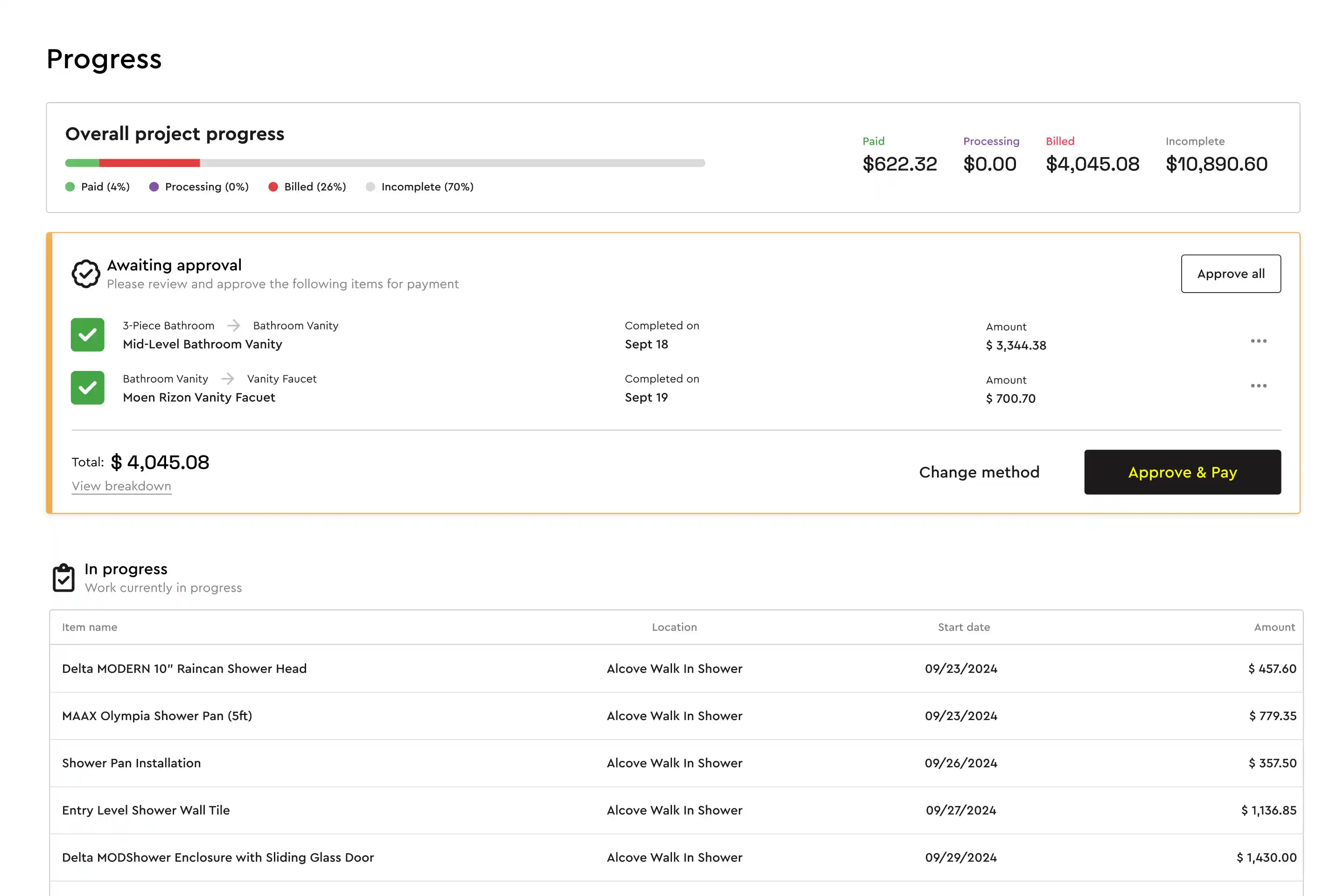
| Progress payments | Progress invoices, Pro plan | Invoiced by hand | Automatic as tasks complete |
| ACH & card payments | Card via a QuickBooks invoice | Buildertrend Payments | Synced to QuickBooks |
| Transparent published pricing | From $169/mo annually | Custom quote only | From $155/mo |
| No onboarding fee | None published | ~$400 to $1,500 | Yes |
| Plan price doesn't rise with project volume | Flat, unlimited users | Priced by construction volume | Yes |
From each vendor's own website, checked October 30, 2026. Features change, so check the vendor's site before you buy.
The real difference
Buildxact started as estimating and takeoff software for residential builders and added job management on its higher plans. Buildertrend started as project management for builders and has estimating inside it. So the question is which end of the job costs you more today: getting the number right, or running the build once it is sold.
Price. Buildxact publishes three plans with unlimited users: Foundation from $169/mo, Pro from $339/mo and Master from $509/mo, billed annually. Its Blu AI tools are on higher plans or paid add-ons. Buildertrend does not publish prices.
Estimating. Buildxact is strong on takeoff from plans, with dealer catalogues and supplier price files. Buildertrend prices from your own cost catalogue, with takeoff built in.
Running the job. Buildertrend is deeper: schedules, daily logs, sub and vendor portals, purchase orders and payments. Buildxact covers schedules, job costing and a client portal on Pro.
Getting paid. Buildertrend has its own payments. Buildxact has no online payment gateway of its own; card payments go through a QuickBooks invoice.
Buildxact, Buildertrend and Bolster compared
Best for: Residential builders who estimate from plansBuildxact is estimating and takeoff software for residential builders and remodelers. You measure from digital plans, build the estimate from cost catalogues and supplier price files, and send a quote, with job management features on its higher plans.
Strengths- Strong on-screen takeoff for working from drawings
- Unlimited users on every plan
- Published prices
Watch-outs- Job management, schedules and the client portal need the Pro plan; Blu AI tools are paid add-ons on lower plans
- Quote letters rather than interactive proposals
- No online payment gateway of its own
Price: From $169/mo billed annually ($2,030/yr), or $199/mo billed monthly (from Buildxact's pricing page, checked October 30, 2026)
Best for: Builders running many jobs at onceBuildertrend runs the build: Gantt schedules, daily logs, selections, change orders, a client portal, sub and vendor portals, purchase orders and payments, with estimating from your own cost catalogue. It is where CoConstruct customers are being moved.
Strengths- Complete residential project management
- Client, sub and vendor portals
- Long track record and large user base
Watch-outs- Quote-only pricing, set after a sales call
- Estimating from your own catalogue, with no live regional pricing
- Onboarding packages are common
Price: Quote only (custom quote after a short questionnaire and sales call) (from Buildertrend's pricing page, checked October 30, 2026)
Best for: Builders whose bottleneck is pricing and winning the jobBolster prices a job with live regional material and labour costs, takeoff from plans or satellite images, and AI estimating, then turns the estimate into a proposal where clients choose options and see the total change before they sign and pay the deposit.
Contractors using Bolster win 20% bigger jobs at 2x the win rate. After the sale, the same estimate drives the schedule, budget, change orders and progress payments.
Strengths- Live regional pricing and takeoff linked to estimate items
- Clients pick upgrades, sign and pay in one proposal
- Progress payments requested automatically as tasks are completed
- Published prices, from $155/mo billed annually
Watch-outs- Built for residential contractors; commercial GCs who need submittals, RFIs and owner reporting are better served by Procore
- AI estimating, takeoff, AutoCost pricing and QuickBooks start on Pro ($399/mo billed annually, 3 users); Core covers estimates, proposals and payments
- A younger product than Buildertrend, with a shorter integration list (QuickBooks, CompanyCam, Hover, Zapier)
Price: Core from $155/mo billed annually, or $189 month to month (1 user). AI estimating, takeoff, AutoCost live pricing, automated scheduling and the QuickBooks, CompanyCam and Hover integrations are on Pro: $399/mo billed annually with 3 users (from Bolster's pricing page, checked October 30, 2026)
Which should you choose?
Choose Buildxact if most of your week is takeoff and estimating from plans, and you want unlimited users at a published price.
Choose Buildertrend if you run many builds at once with subs and a project manager, and want one established system for the build.
Choose Bolster if you want live pricing and a proposal clients can option, sign and pay, with the job set up from the same estimate.
How to decide in a week
Take off and price the same set of plans in each tool and compare it with what the job really cost.
Send yourself the proposal and go through it as the client, on your phone.
Run one change order from request to signed to invoiced.
Add up the real yearly cost, including add-ons, onboarding and payment fees.
More comparisons: the best Buildxact alternatives, the best Buildertrend alternatives, Bolster vs Buildxact and Bolster vs Buildertrend.
Frequently asked questions
Is Buildxact or Buildertrend better?
Buildxact is better if estimating and takeoff from plans is the core of your work. Buildertrend is better if you run many builds at once and want the deepest project management. If winning the job is the bottleneck, Bolster is built for that part.
How much do Buildxact and Buildertrend cost?
Buildxact starts at $169/mo billed annually with unlimited users; Pro, which adds job management and schedules, is $339/mo. Buildertrend does not publish prices and quotes after a sales call. Bolster starts at $155/mo billed annually. Prices checked October 30, 2026.
Does Buildxact take payments?
Buildxact has no online payment gateway of its own; card payments go through a QuickBooks invoice. Buildertrend and Bolster both take card and bank payments online.
Can I switch from Buildxact or Buildertrend to Bolster?
Yes. Export your items, clients and open estimates first. Bolster imports items, clients, vendors and current jobs, and 1:1 onboarding helps you finish the setup.
How we put this together: Bolster makes one of the products on this list, so we have tried hard to be fair to the others. Each vendor's price comes from its own pricing page on the date above, and features come from the vendors' own websites and help centres. We list each tool for the kind of contractor it suits best rather than ranking them, because the right choice depends on your trade, team size and how you sell. Prices change; check the vendor's site before you buy. Spot something out of date? Email support@bolsterbuilt.com and we will fix it.